3DCYin the studio
Cylinder
The Cylinder tool makes a solid cylinder in the 3D view from three inputs: the center of its base, its radius, then its height, each clicked or typed. The cylinder is placed as a new component, its two caps flat and its side smooth.
What it is
The Cylinder tool makes a solid cylinder standing upright. Its base is level, at the point you click; its height runs along the vertical through that point, upward or downward. The side is built of 32 steps around and marked smooth, so it reads as one round surface; the two caps are flat faces.
The cylinder lands as a new component, named Cylinder with a number, holding that one body. A click takes it whole; a double click opens it.
When to use it
- To model a round column, a post, a pipe stub or a round table leg.
- To make a round cutter for Boolean, such as a hole through a slab or a body.
The steps
Take the tool. Type
CthenYwithin a short moment, or click Cylinder among the shapes.Calone opens Circle; theYswitches to Cylinder.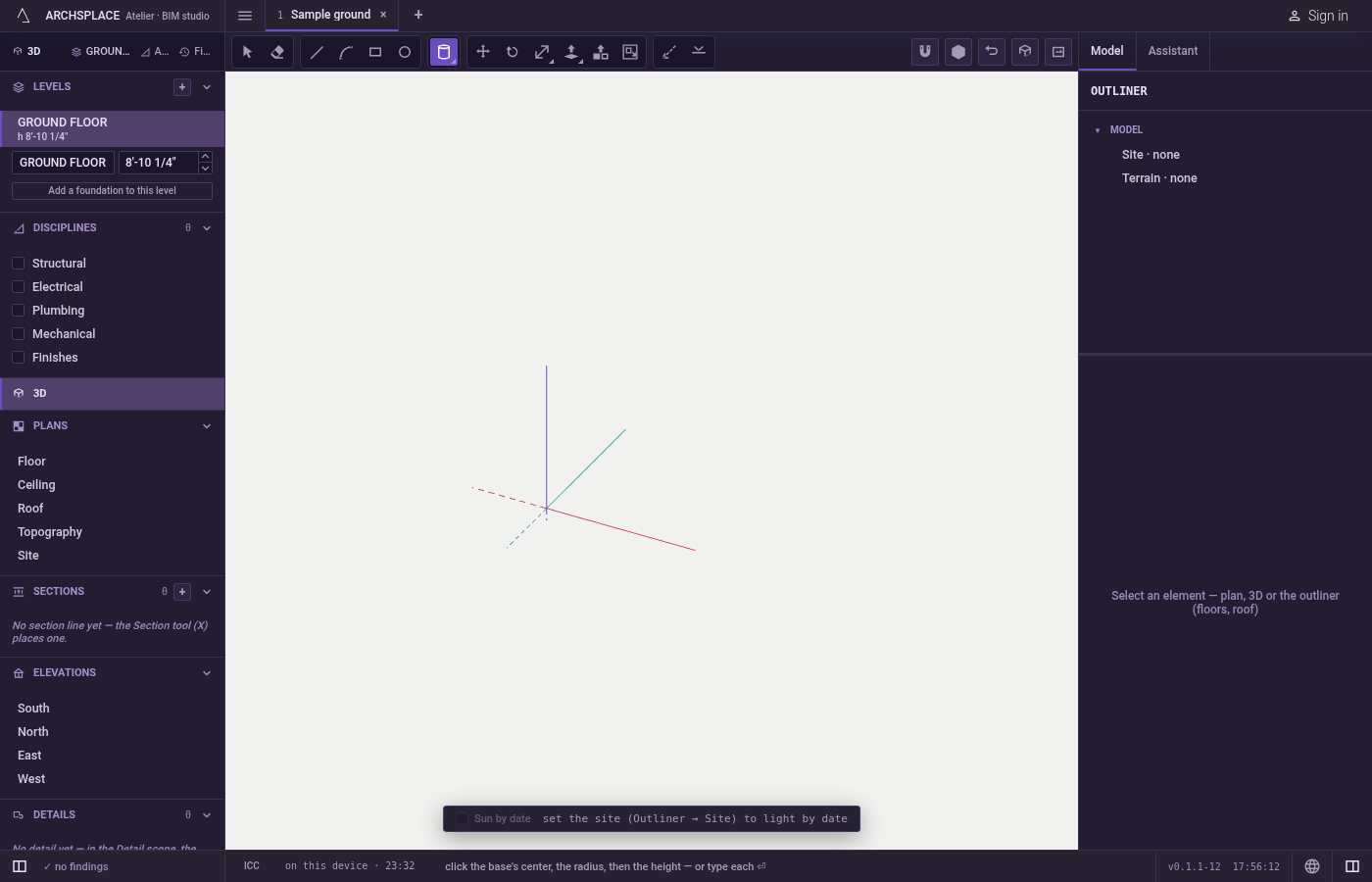
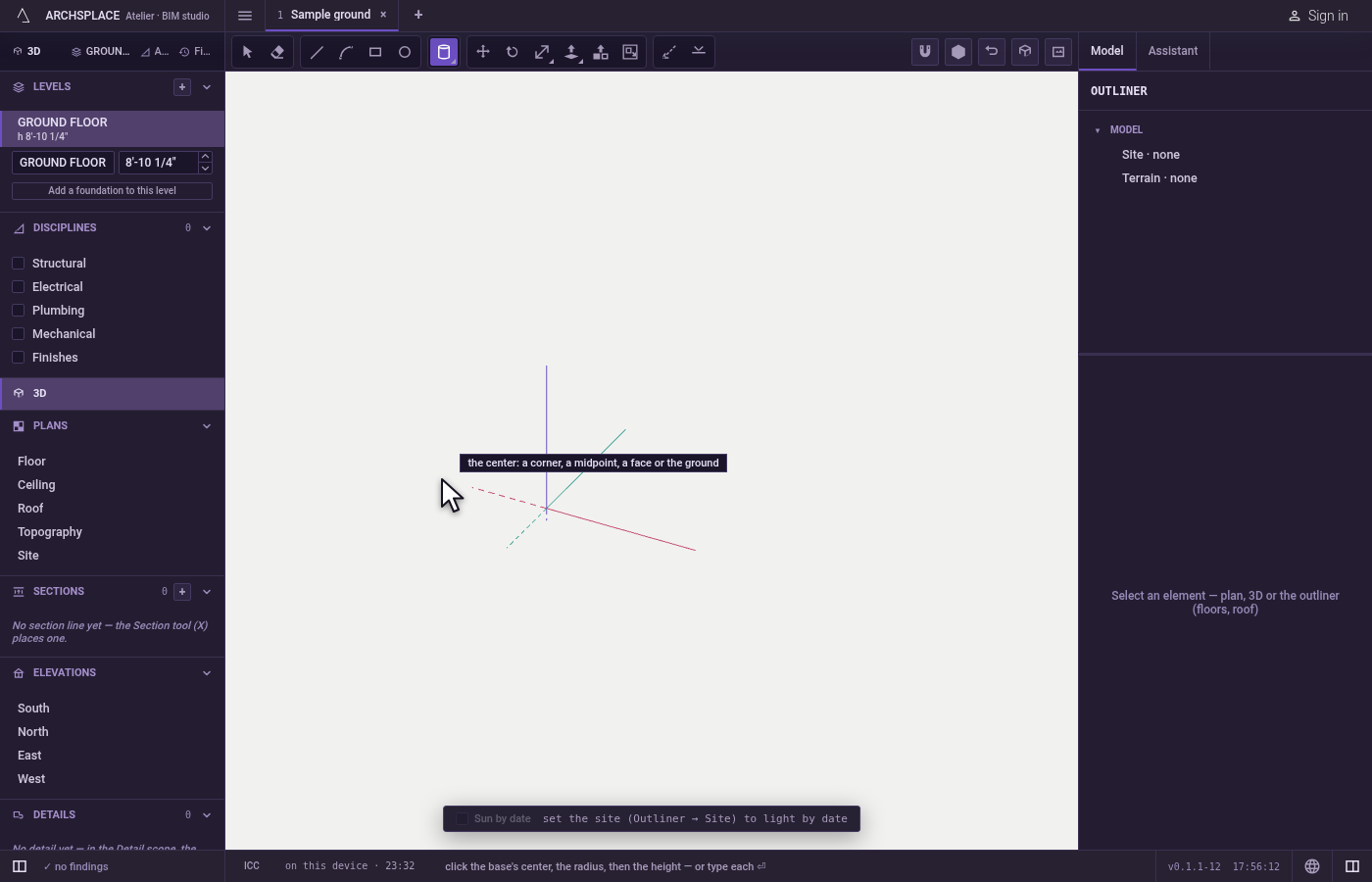
Click the base's center. The marker shows what the click takes: a corner, a midpoint, a face, or the ground.
Set the radius. It is read on the level plane through the center; the readout gives it. Click, or type it and press
Enter.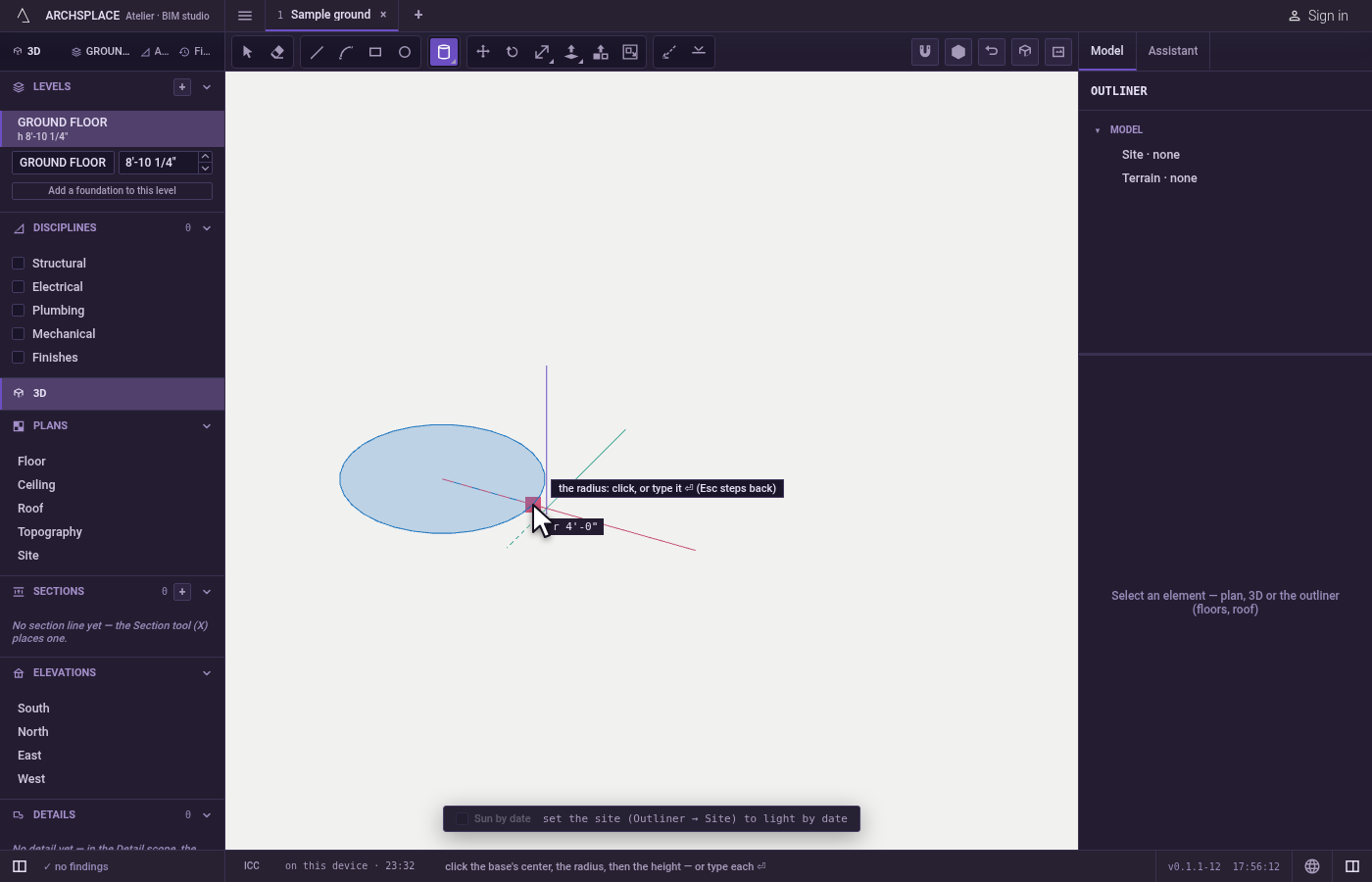
Set the height. The height follows the pointer up or down the vertical through the center; a corner or an edge in reach gives its height. Click, or type it and press
Enter. The cylinder stands at once.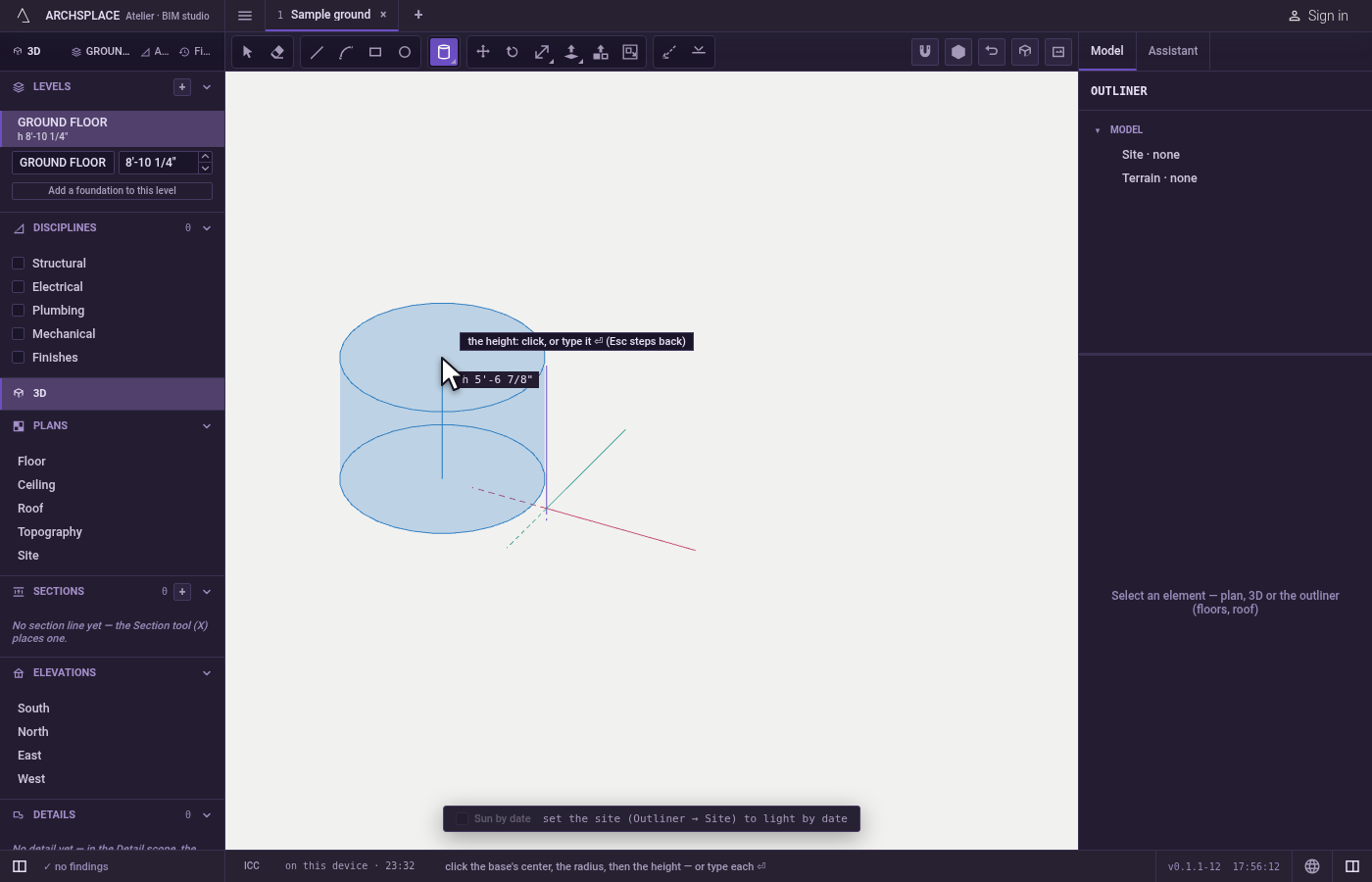
Step back if needed.
Escapegoes back one step: from the height to the radius, from the radius to the center. The space bar returns to Select.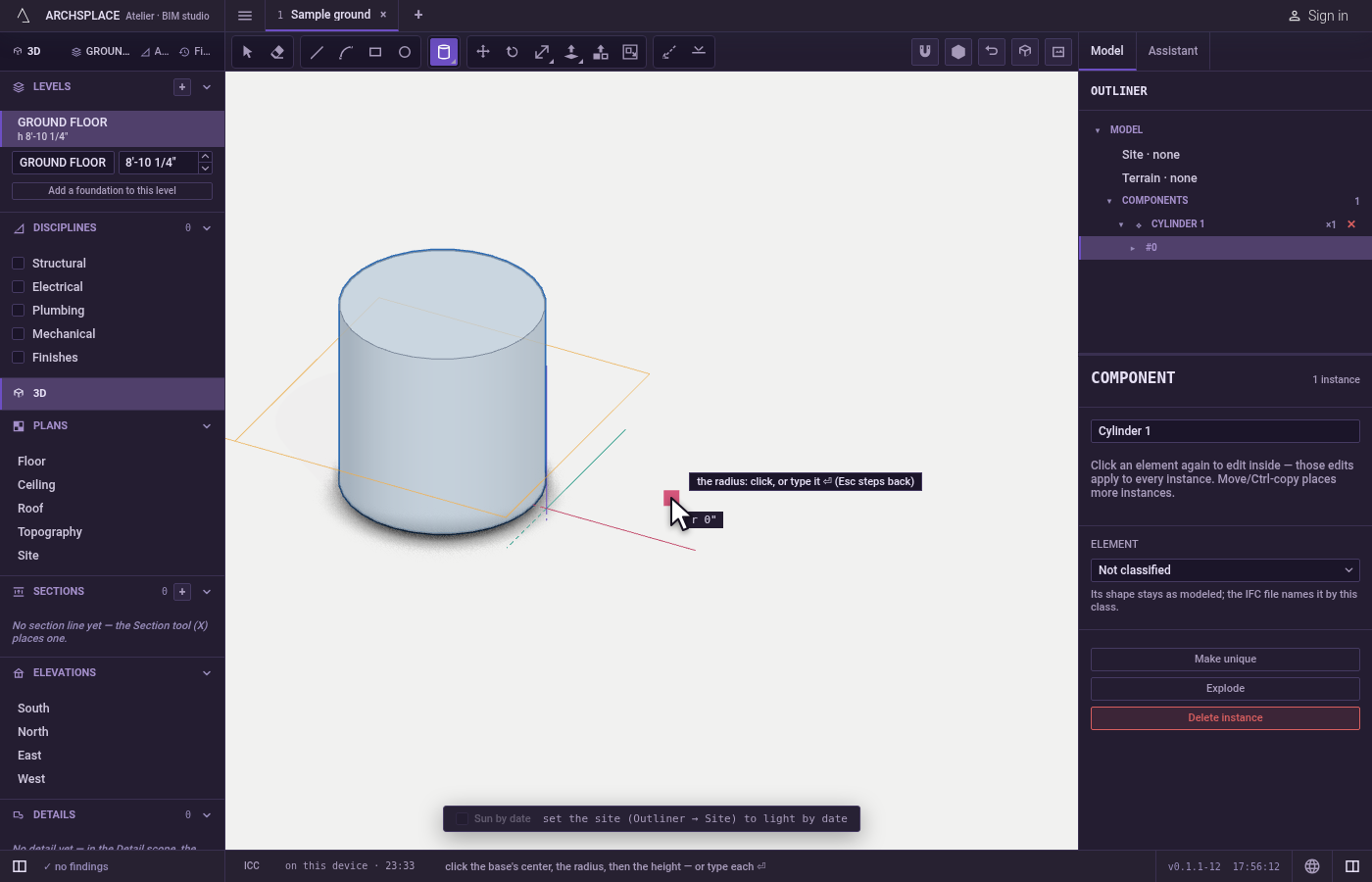
What it refuses
- A radius or a height of nothing. A zero is ignored and the tool waits for a real value.
- A center on nothing. A click that finds no point says where the center may be taken.
What it writes to the contract
One undoable step adds a new component definition holding the cylinder's body, and a placement of it at the base center, on the current level. Inside an open component, the new component is placed inside that one. The new placement is selected.
Related
Common questions
What is the shortcut of the Cylinder tool?
Type C then Y within a short moment. C alone opens the Circle tool; the Y that follows switches to the Cylinder.
Can a cylinder go down instead of up?
Yes. Move the pointer below the base when you set the height, and the cylinder stands below its base.
How do I change the height later?
Double-click the cylinder to open its component, then use Push/Pull on a cap. Its caps are flat faces that push and pull.