SketchPOLin the studio
Polygon
Polygon draws a regular closed outline of three to sixty four equal sides in the sketch editor, from its center and a corner, its center and the middle of a side, or the two ends of one side. The number of sides is typed, or changed with the up and down arrows.
What it is
Polygon draws a regular outline: all its sides of equal length, all its corners equal. It has four sides each time you arm it, and you type another count before you start, or change it with the arrow keys at any step. There are three ways to set it out:
- Inscribed, the way it starts: a center, then a corner. The corners lie on a circle through the point you give.
- Circumscribed: a center, then the middle of a side. The sides touch a circle through the point you give.
- By edge: the two ends of one side. The polygon is built on the left of that side, going from the first end to the second.
When to use it
- Drawing a hexagonal or octagonal window, or a polygonal pattern area.
- Setting out a regular shape on a side that already exists.
The steps
Arm Polygon. In the sketch editor (see Select for the ways in), type
P,O,Lquickly, or click Polygon on the editor's toolbar. The hint shows the sides and the way in force, such as 4 sides, inscribed.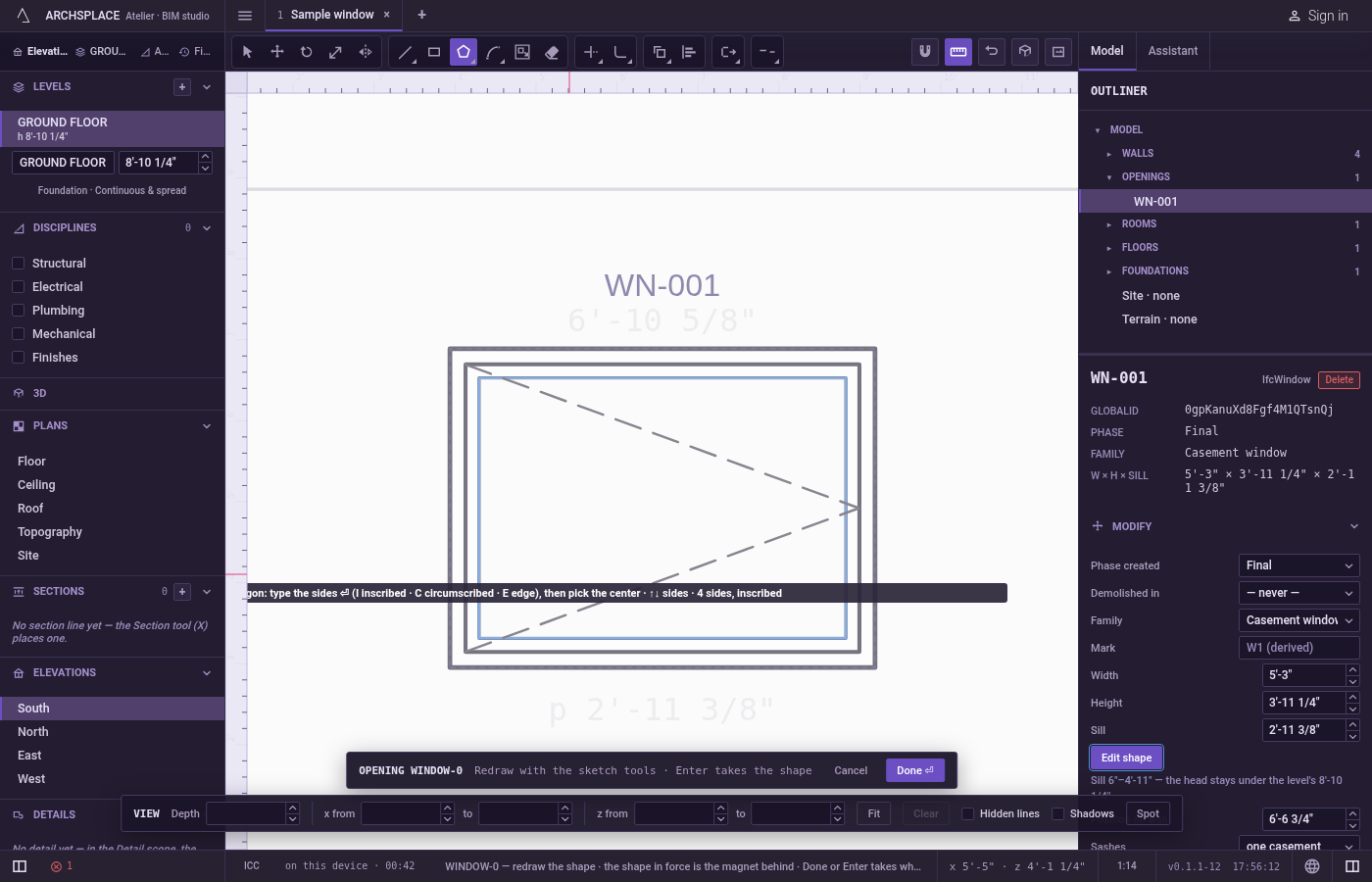
Set the sides and the way. Type the number of sides and press
Enter. PressIfor inscribed,Cfor circumscribed, orEto switch to by edge and back. These keys work before the first click. The up and down arrows add or take away a side at any step.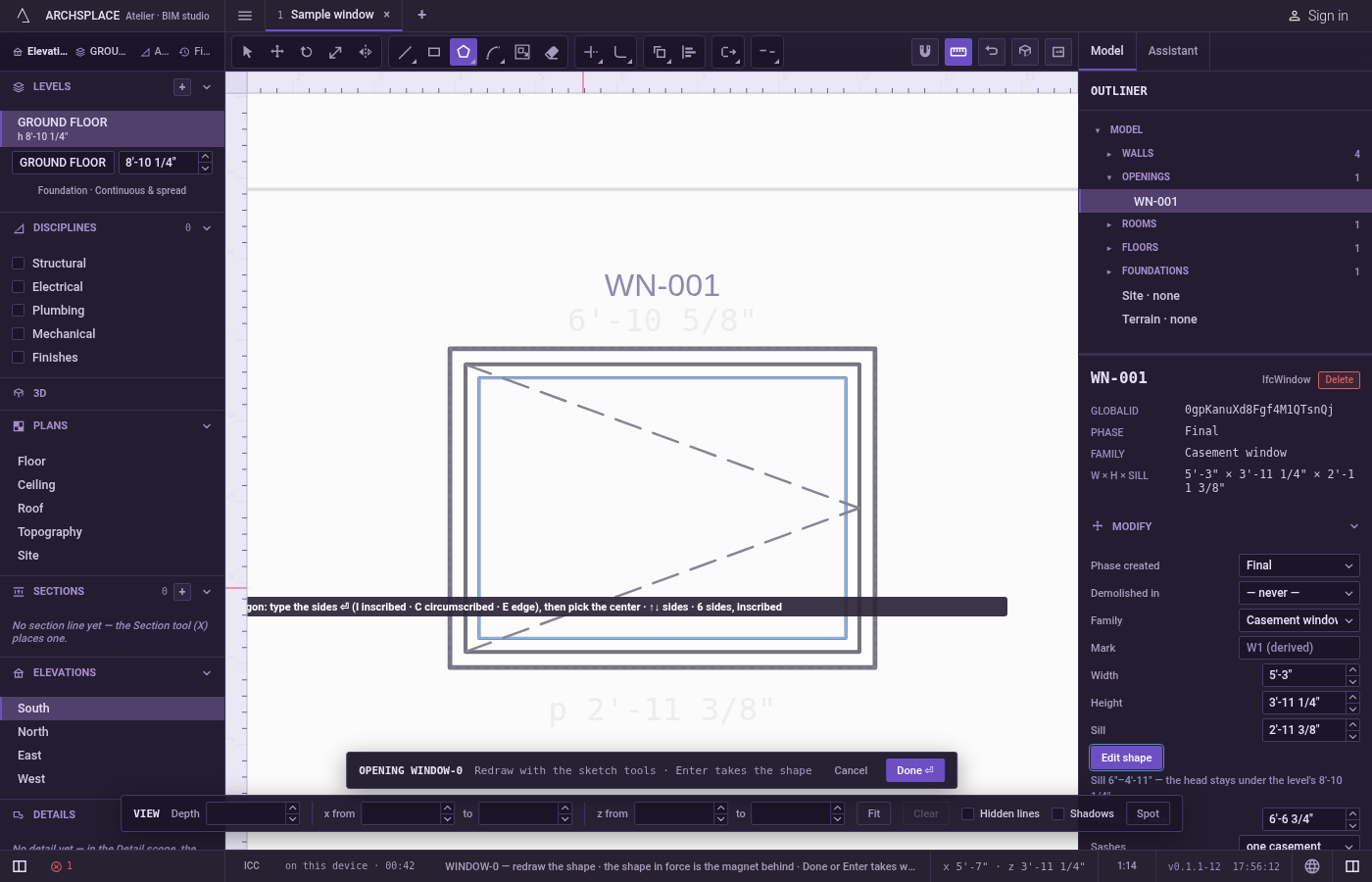
Click the center, or the first end of the side. It snaps to corners, middles, the centers of arcs, crossings, the dimmed shape in force and the lines of the view.
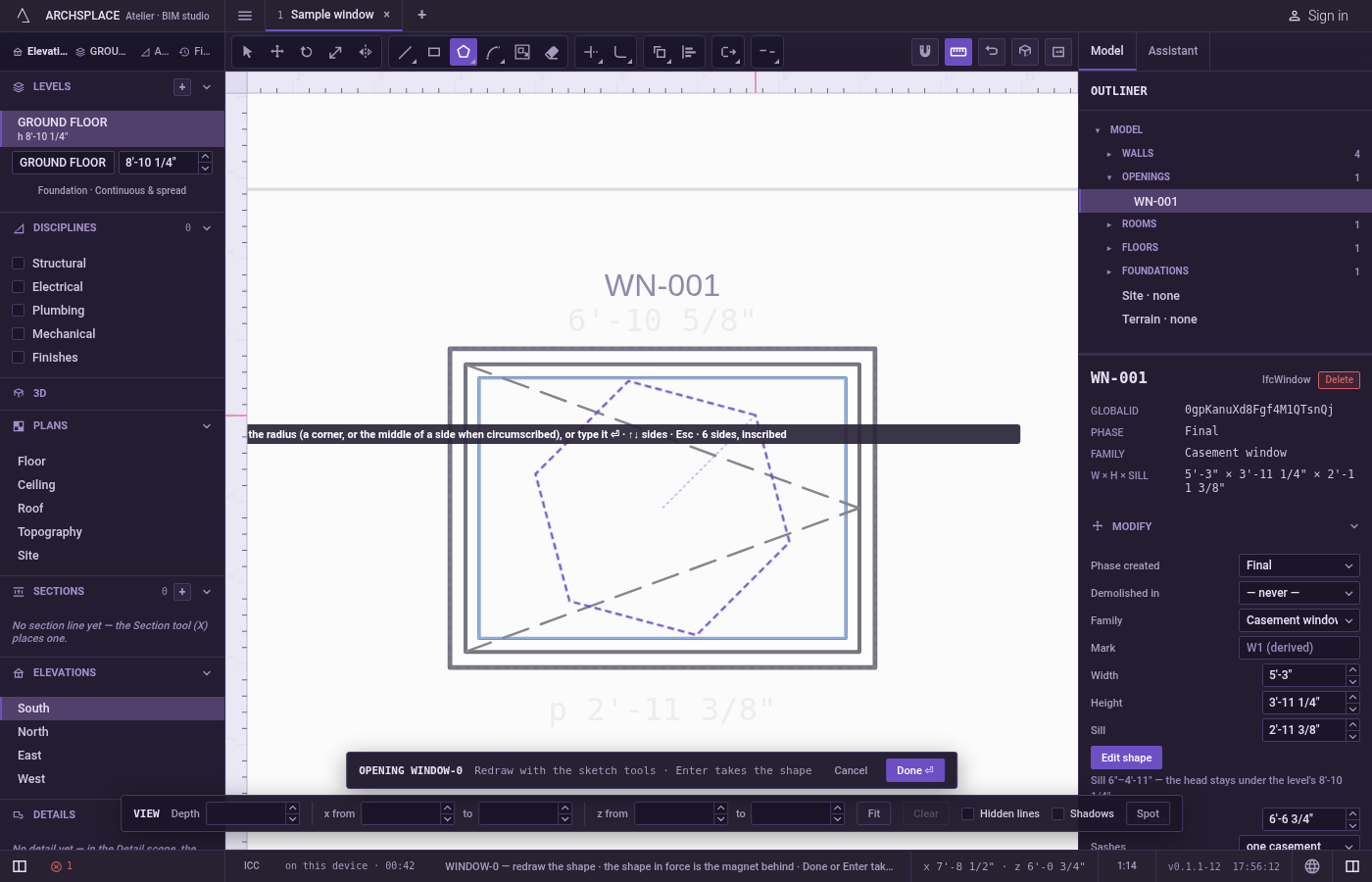
Click the corner, the middle of a side, or the second end. The polygon follows the pointer, turned toward it. Click to draw it. Or point in the direction you want, type the distance from the center (or the length of the side, by edge) in the project's units, and press
Enter; a point typed asx;yor@dx;dyalso works.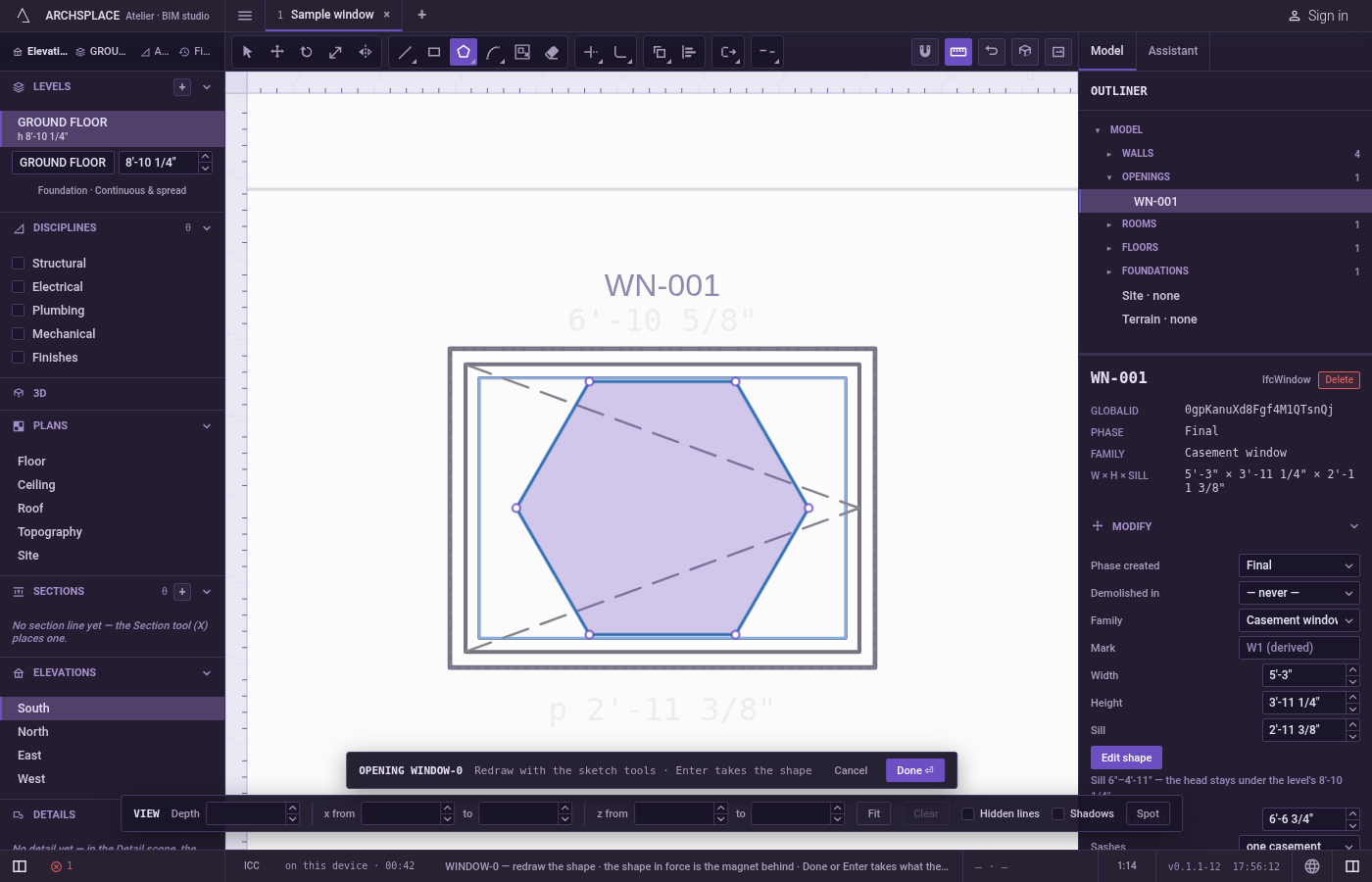
Carry on. The polygon is drawn and left selected, and the tool is ready for the next one with the same count and way.
Escapedrops the first point, then goes back to Select.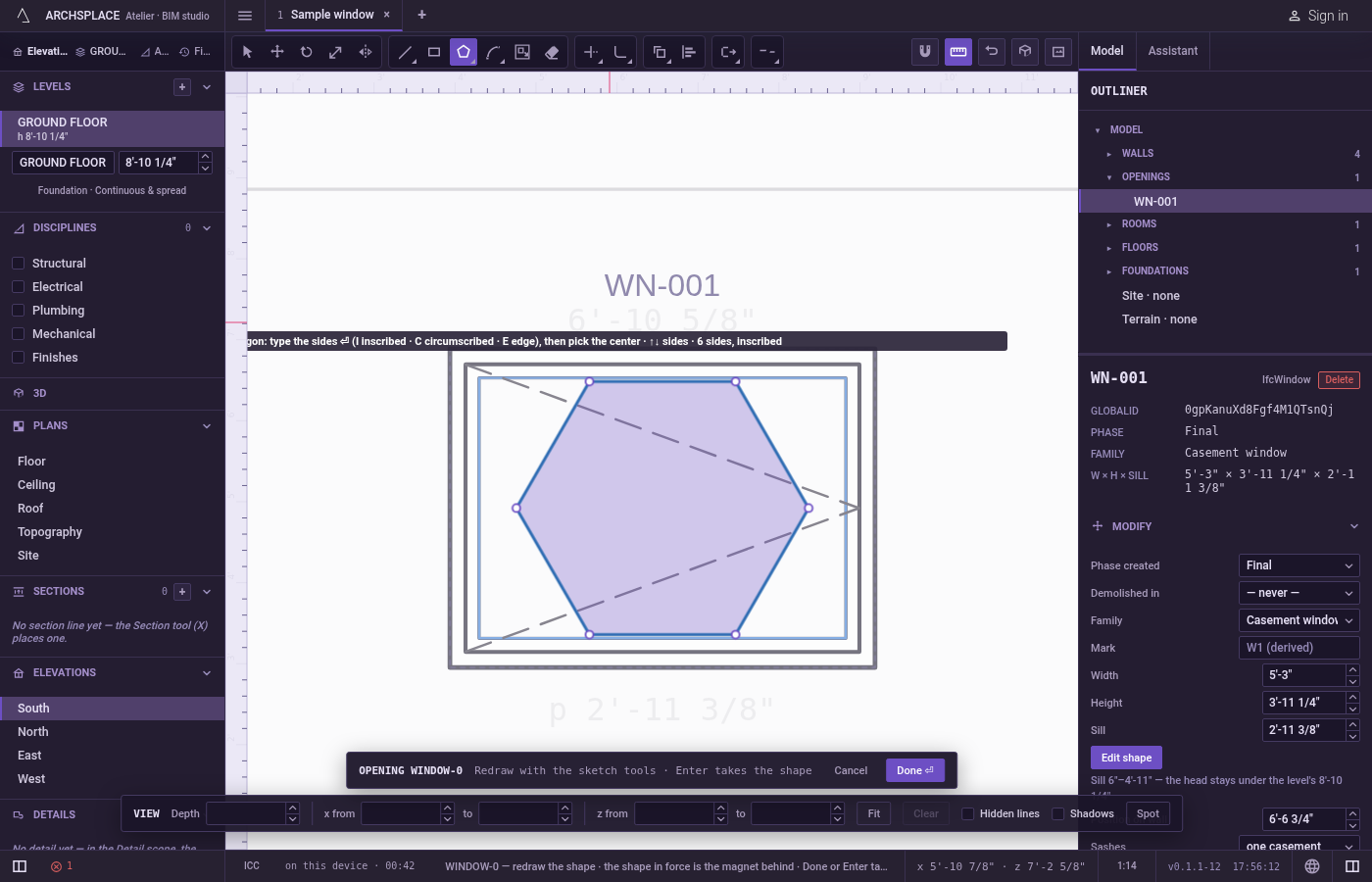
What it refuses
- Fewer than three sides or more than sixty four. A typed count outside that range is refused with a polygon has 3 to 64 sides. The arrows stop at those limits.
- A corner on the center. A second point on the first makes no shape, and the hint says so.
- Changing the way after the first click.
I,CandEonly work before the first point. - A center typed as numbers. Before the first click, typed digits set the number of sides. Click the center.
What it writes to the contract
Nothing until you press Done. Each polygon is one step inside the editor, and Ctrl+Z steps back through them. The contract changes when you press Done, or Enter with nothing in progress, as one step you can undo: what the lines enclose becomes the window's or door's profile, points [u, v] in meters across the wall and up from the floor, or the pattern area's outline in the room's floorAreas or ceilingAreas, points [x, y] in plan meters.
A polygon is plain corners, one point each, with no bulge. A square set out by edge on a 1 meter side, as a floor area:
Common questions
How do I draw an octagonal window 80 centimeters across its flats?
Press P, O, L quickly, type 8 and press Enter, press C for circumscribed, click the center, then type 0.4 and press Enter: the middles of the sides land 40 centimeters from the center.
How do I draw a polygon on an existing side?
Press E before the first click, then click the two ends of the side. The polygon is built on the left of the side as you go from the first end to the second.
Can I change the number of sides while drawing?
Yes. The up arrow adds a side and the down arrow takes one away at any step, and the preview follows.