PlanKin the studio
Riser
Riser places a vertical stack through every level with one click: a cold and hot water supply, or a storm drain. Its systems are chosen beside the tools before the click.
What it is
A riser is a vertical stack that stands through every level of the project. Its tool places one with a single click. The list beside the tools chooses what it carries: the cold and hot water supply together, or the storm drain. The stack that carries the waste water is a riser too, but it has a tool of its own, Drain stack.
When to use it
- Bringing the water supply up through the floors of a building.
- Placing a storm drain stack that takes the rain from the roof down.
The steps
Take the tool. Press
K, or pick it on the toolbar, where it shares one button with the other plumbing tools. The status bar says to click to place a stack through every level, its systems from the list.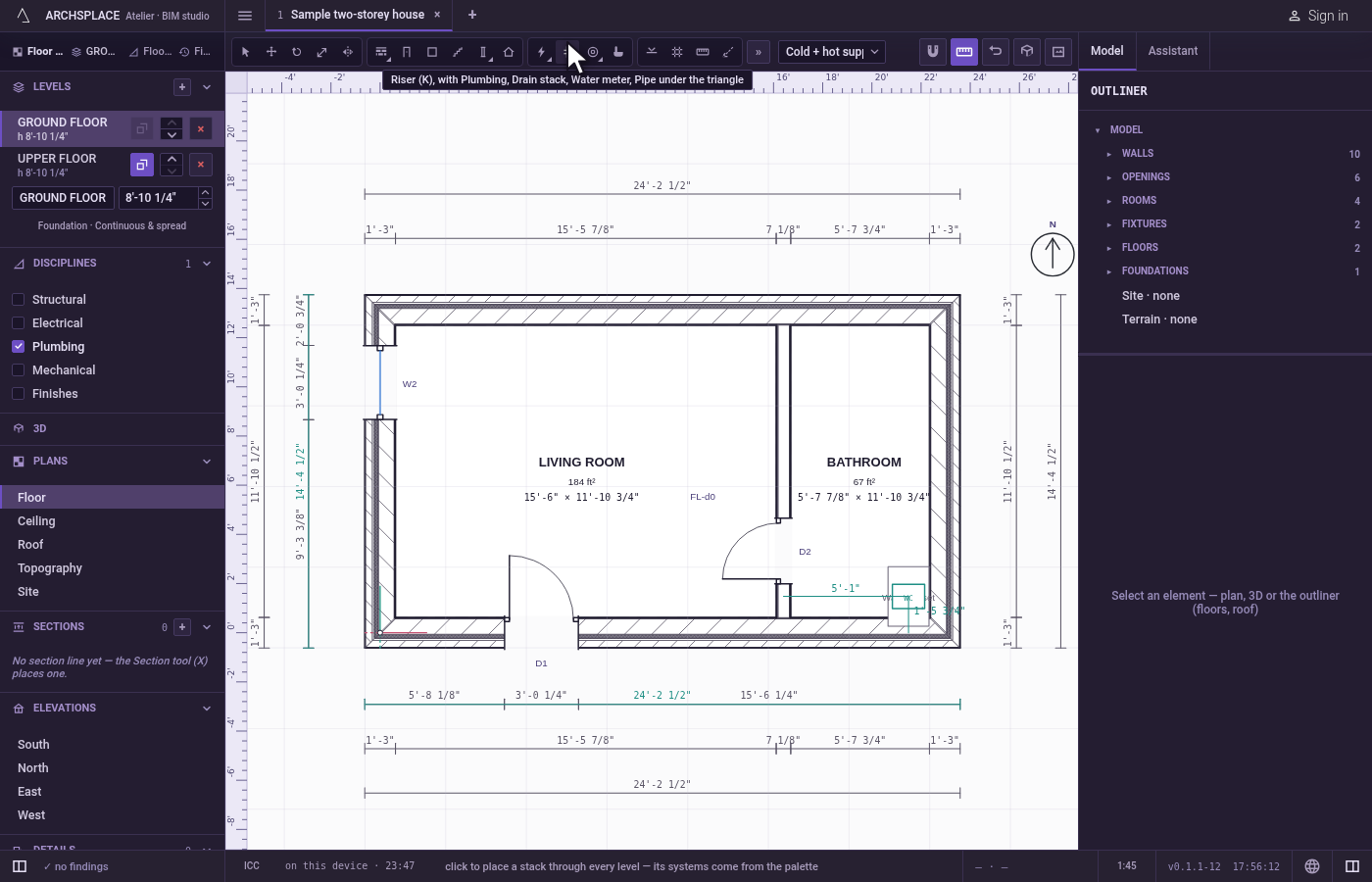
Choose what it carries. Pick Cold + hot supply or Storm drain in the list beside the tools.
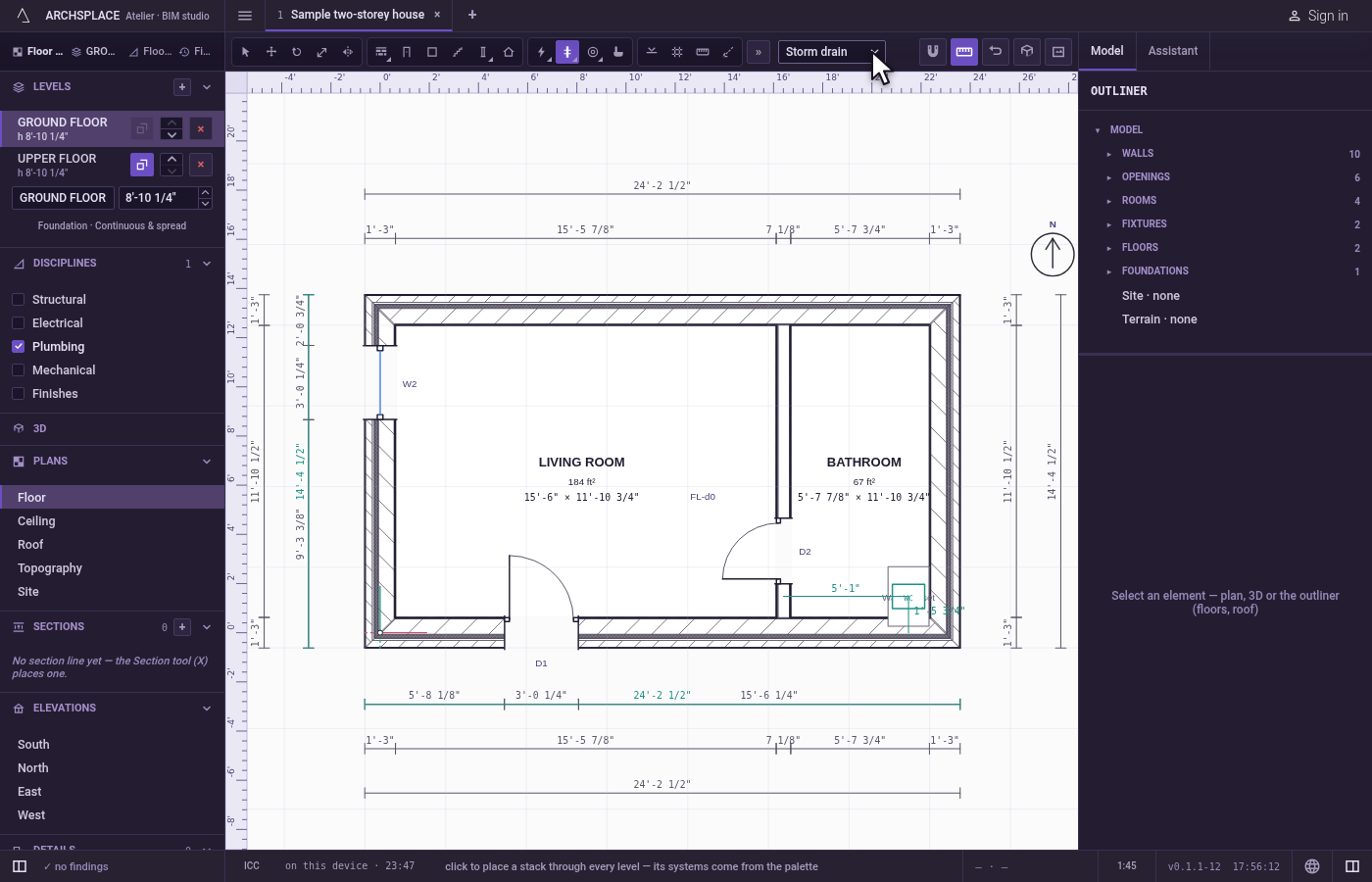
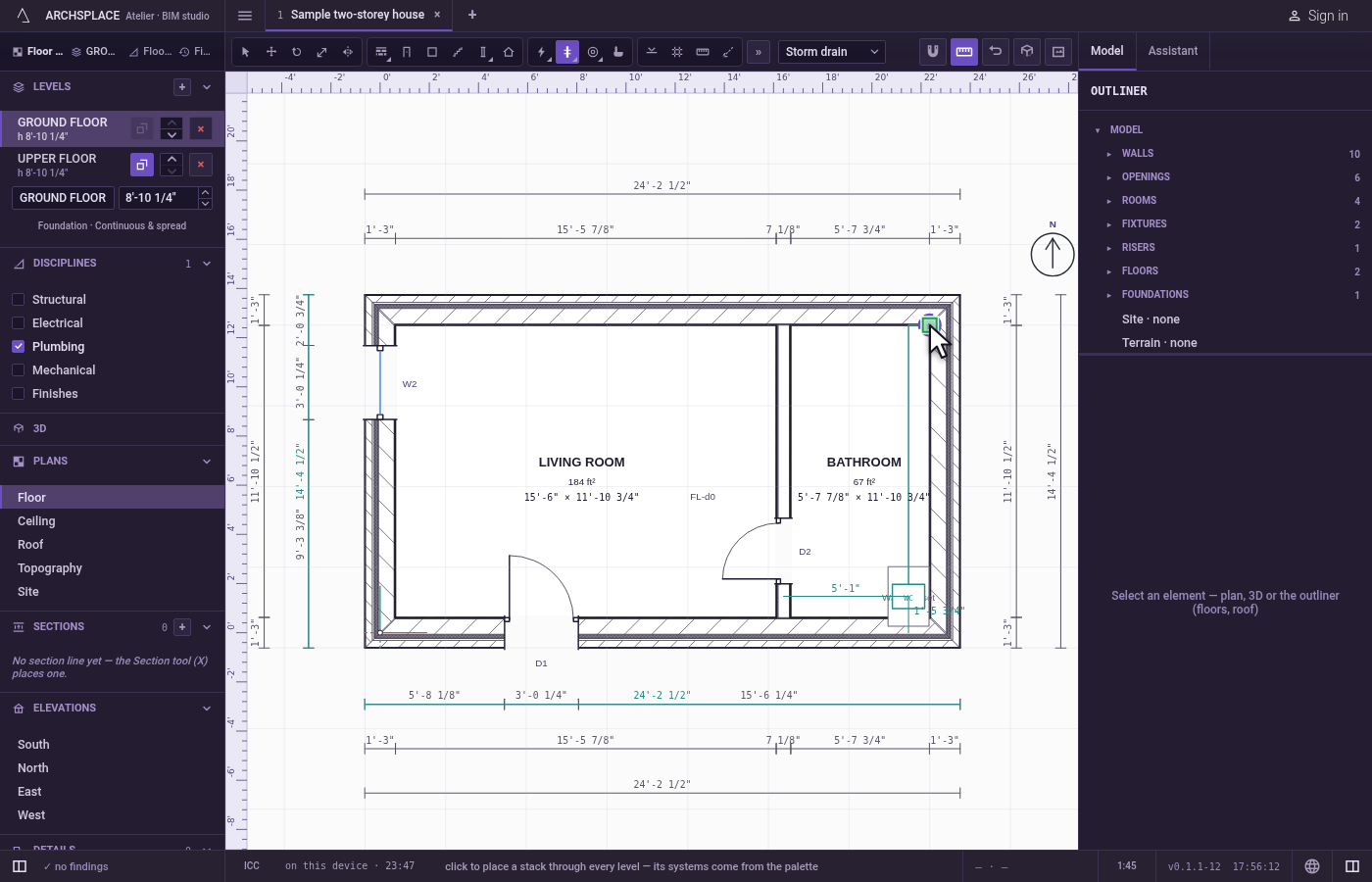
Click where it stands. The magnet holds the click on the nearest point within reach, such as a wall's corner. The riser is placed there, through every level. Each click places another.
What it refuses
- Nothing at the click. A riser is placed wherever you click. The project says on its panel when it stands in a column, a beam or an opening.
What it writes to the contract
One new entry at the end of the project's list of risers, as one step that one undo takes back: its point in meters, the systems it carries (cold and hot, or rain), and the phase the view draws in. It names no level, since it stands through all of them.
Concepts
Related
Common questions
Is the drain stack a riser too?
Yes, a riser carrying sewage, but it has its own tool: Drain stack. The Riser tool keeps the supply and the rain.
Do I place a riser on each level?
No. One riser stands through every level of the project from the point you click.