SketchACin the studio
Arc by center
Arc by center draws a true arc in the sketch editor from a start point, a center, and an end given by the pointer's direction from the center or by an angle you type. The arc runs counterclockwise from the start unless the typed angle is negative.
What it is
Arc by center draws an arc on a circle you define by its center and one point on it, the start. The arc runs from the start, counterclockwise about the center, to the point of the circle in the direction of the pointer. Or you type the angle it covers, in degrees: positive counterclockwise, negative clockwise. The radius is always the distance from the center to the start.
This is the arc to use when the center is known, such as an arch whose center sits on the springing line.
When to use it
- Drawing an arch from its known center and springing point.
- Drawing an arc over an exact angle, such as a quarter circle.
The steps
Arm Arc by center. In the sketch editor (see Select for the ways in), type
AthenCquickly, or click Arc by center on the editor's toolbar. The hint at the cursor says arc by center: pick the start point.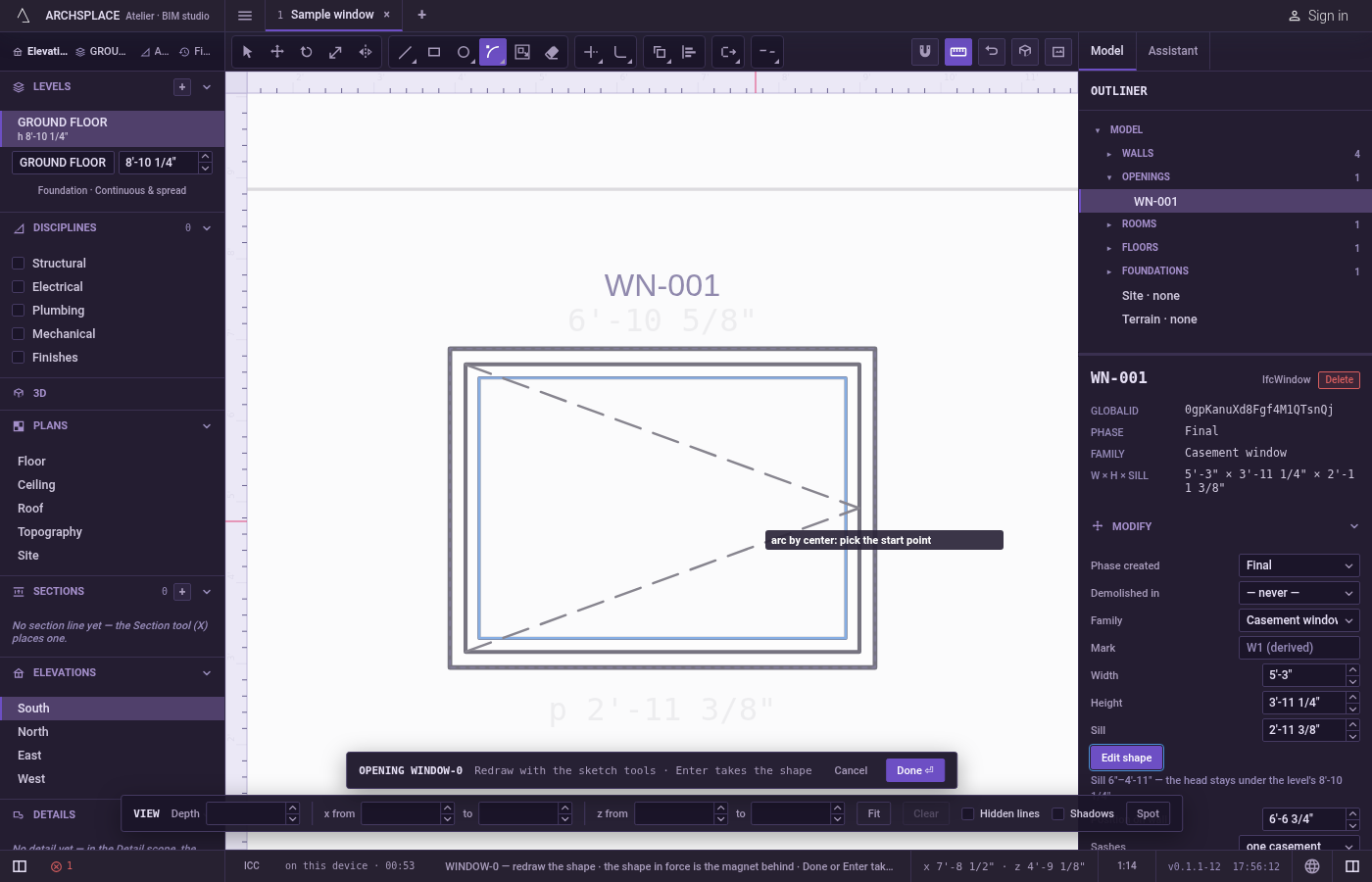
Click the start. It snaps to corners, middles, crossings, the dimmed shape in force and the lines of the view. You can also type it as
x;yfrom the editor's origin, the opening's center at floor level or the plan's origin.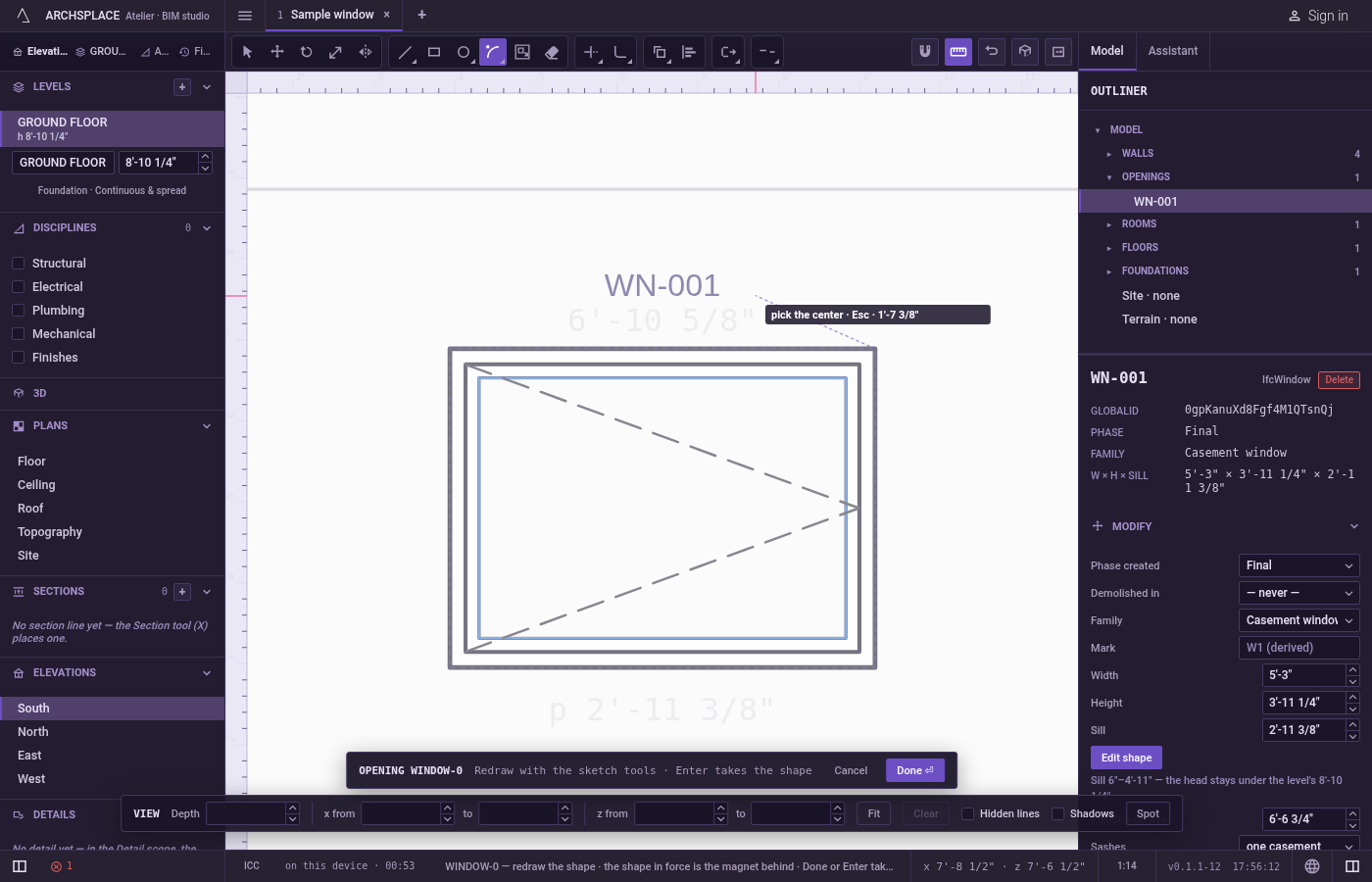
Click the center. It snaps the same way, and can be typed as a point too,
@dx;dymeasured from the start.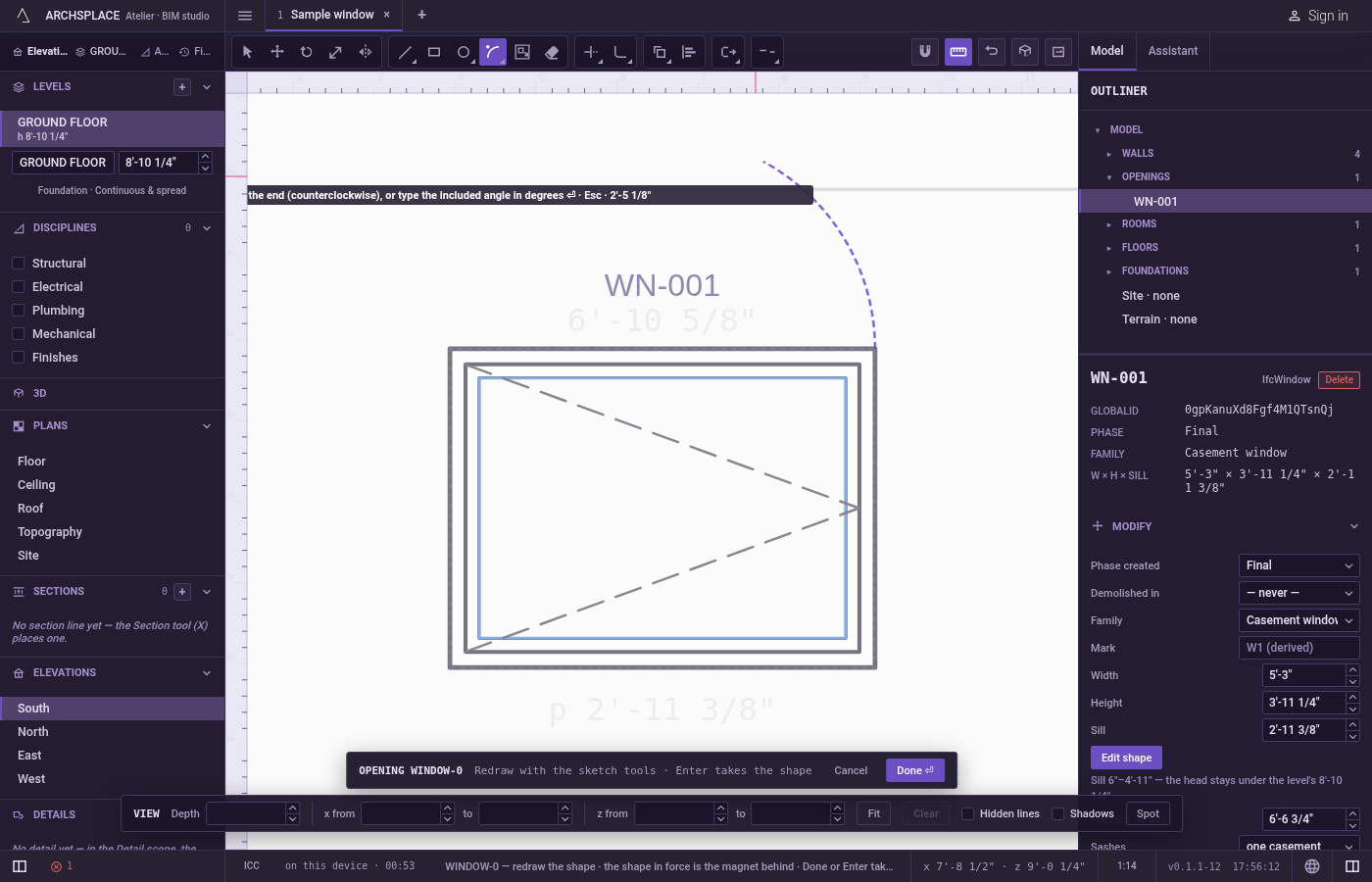
Point the end, or type the angle. The arc follows the pointer, counterclockwise from the start. Click to draw it. Or type the angle it covers in degrees and press
Enter:90for a quarter circle counterclockwise,-90clockwise.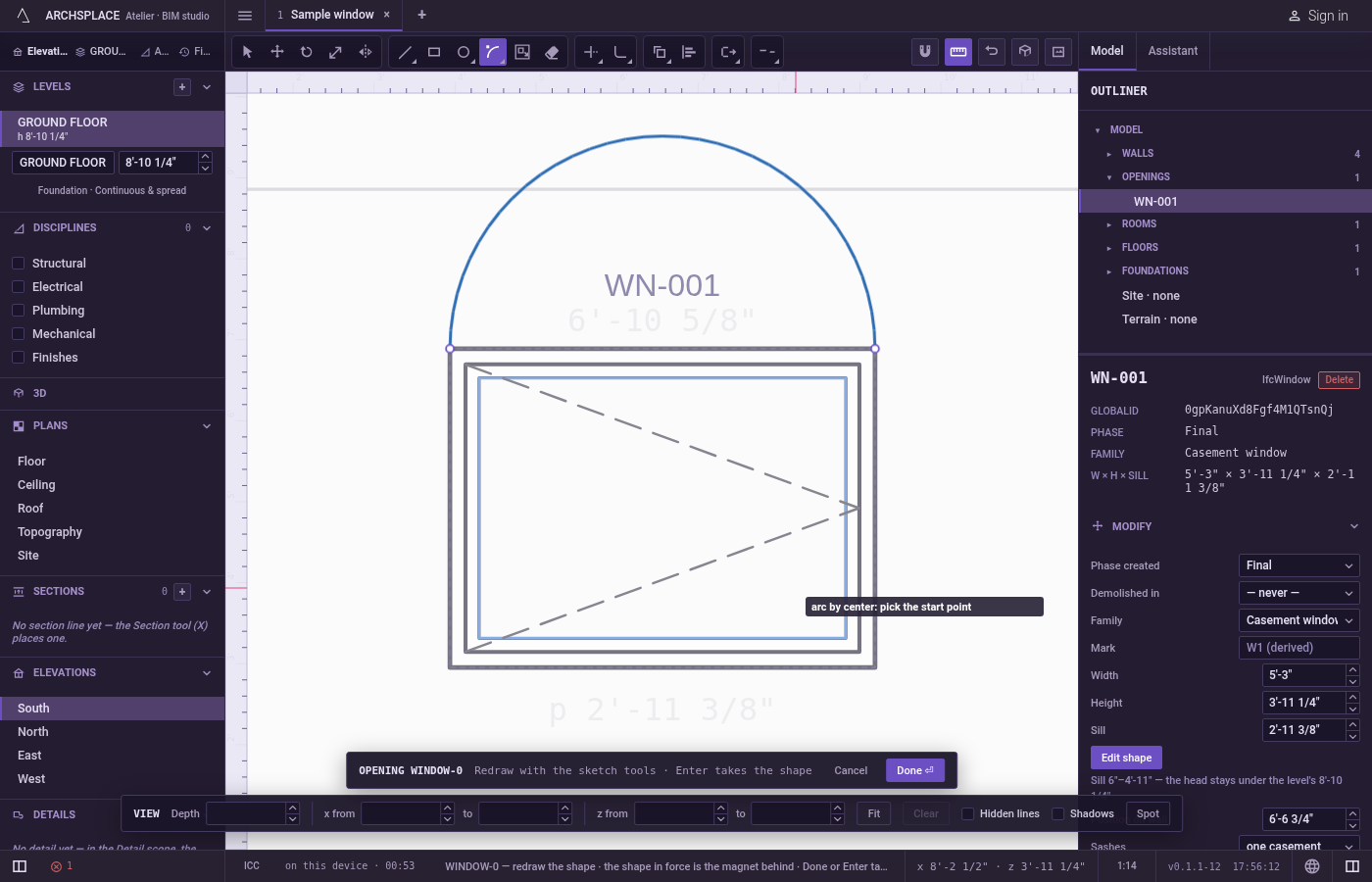
Carry on. The arc is drawn and left selected, and the tool waits for the next one.
Escapedrops the points given, then goes back to Select.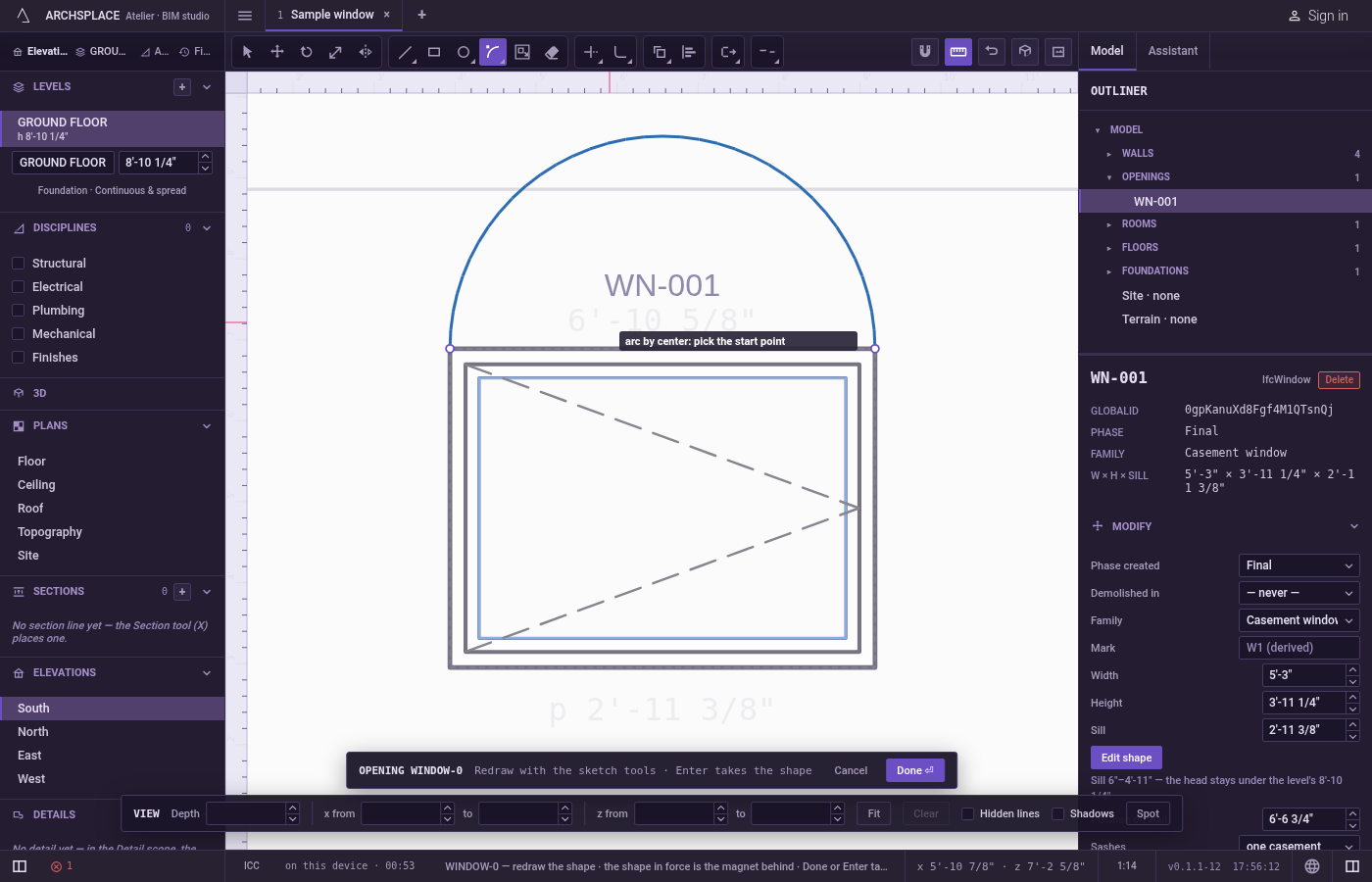
What it refuses
- A center on the start. A circle of no radius makes no arc, and the hint says that point makes no shape.
- An angle of nothing or a full turn. An end in the start's direction, an angle of
0, or360and more, is refused the same way. Draw a full circle with Circle. - An angle typed too early. The angle is taken only after the center. A bare number typed before does nothing.
- Clockwise with the pointer. The pointer always gives the counterclockwise arc. Type a negative angle for the other way.
On a facade, counterclockwise is read in the opening's own frame, which can show the other way round on screen depending on which way the wall runs. The preview always shows the arc you will get.
What it writes to the contract
Nothing until you press Done. Each arc is one step inside the editor, and Ctrl+Z steps back through them. The contract changes when you press Done, or Enter with nothing in progress, as one step you can undo: what the lines enclose becomes the window's or door's profile, points [u, v] in meters across the wall and up from the floor, or the pattern area's outline in the room's floorAreas or ceilingAreas, points [x, y] in plan meters.
An arc closes an outline only together with your other lines. It becomes a bulge, the third number on the point where it starts: 0.414214 for a quarter circle, 1 for a half circle.
Related
Common questions
How do I draw a quarter circle?
Press A then C quickly, click the start, click the center, then type 90 and press Enter. A negative angle, such as -90, turns the other way.
Why does my arc go the long way round?
With the pointer, the arc always runs counterclockwise from the start to the pointer's direction. Start from the other end, or type a negative angle, to go clockwise.
What sets the radius?
The distance from the center to the start. The end point always lands on that circle, in the direction of the pointer.