Plan
Slab hole
A slab hole is an opening cut by hand in a level's floor slab, square or round, for a shaft, a chute or a well a stair does not make by itself. It is started from the slab's panel and drawn on the plan in two clicks.
What it is
A slab hole is an opening you cut in a level's floor slab. It is square, from two opposite corners, or round, from its center and its radius. The opening a stair needs in the floor above is cut by itself; a slab hole is for the rest: a shaft, a chute, a double height.
A hole is a hole, not a passage. The only thing that goes through it is a riser or a drain stack you stand in it. No circuit, pipe or duct the studio lays ever runs through a hole, and a light or a grille hung under one is flagged, since there is no ceiling there to hold it.
When to use it
- Opening the floor for a service shaft.
- Making a double-height space over a living room.
- Leaving a round opening for a chute or a flue.
The steps
Select the slab. Select the level's floor slab, on the plan, in 3D or in the outliner. Its panel opens on the right.
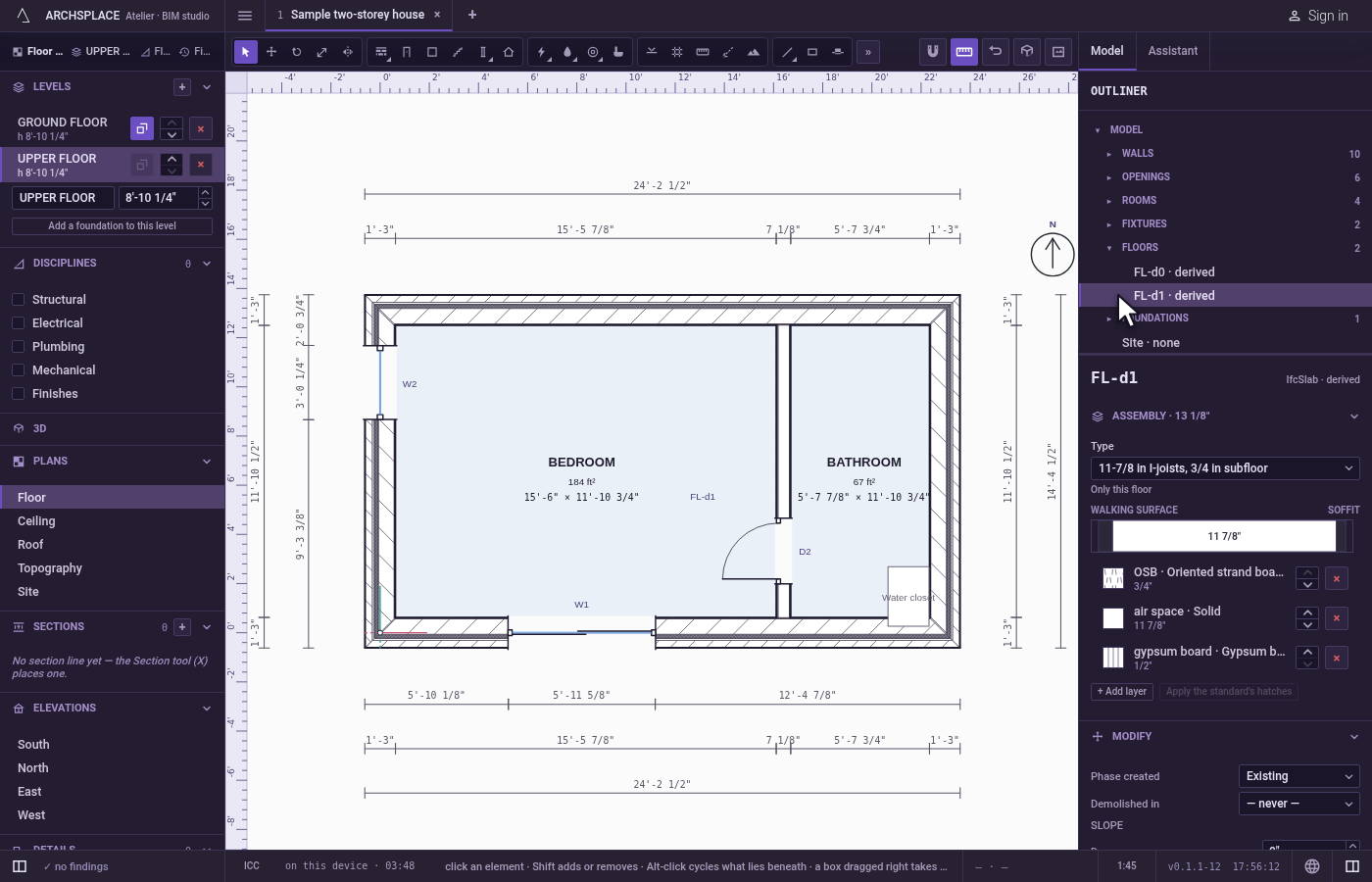
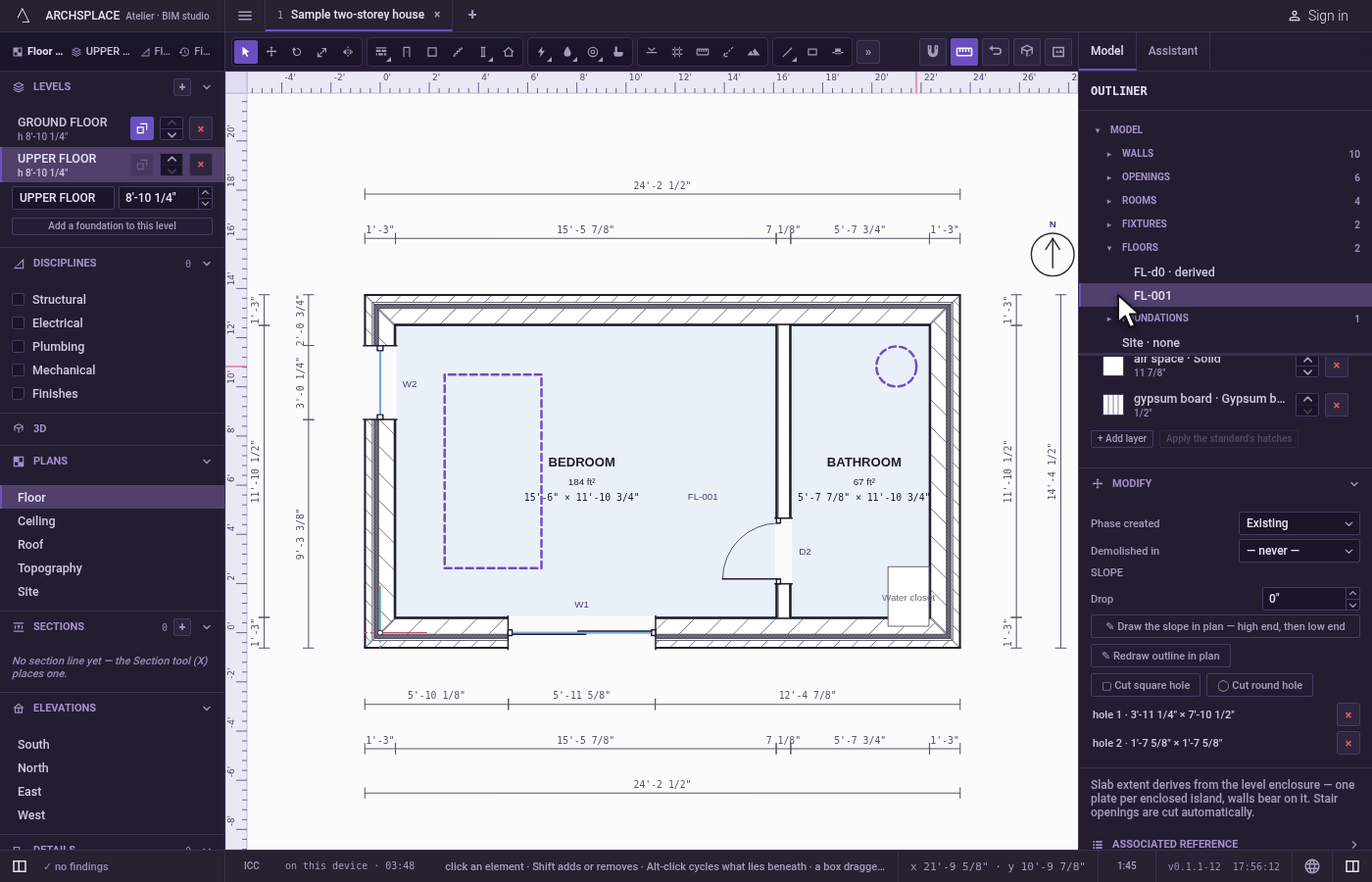
Choose the shape. In the slab's panel, click Cut square hole or Cut round hole. The plan of that level opens with Select in your hand.
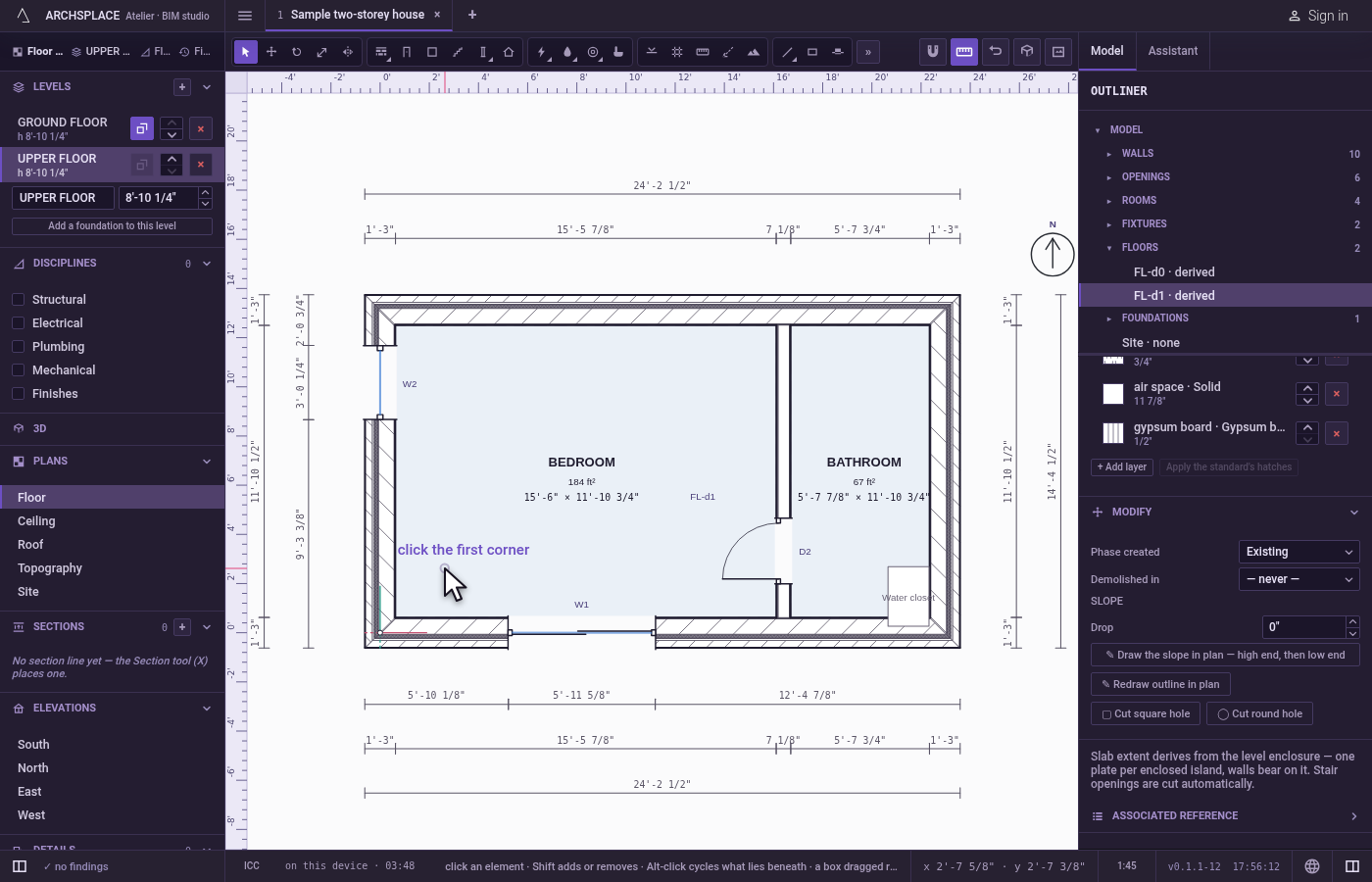
Square: click two opposite corners. The label beside the cursor asks for the first corner. Then a rectangle follows the cursor, its width and height written beside it; click the opposite corner to cut it.
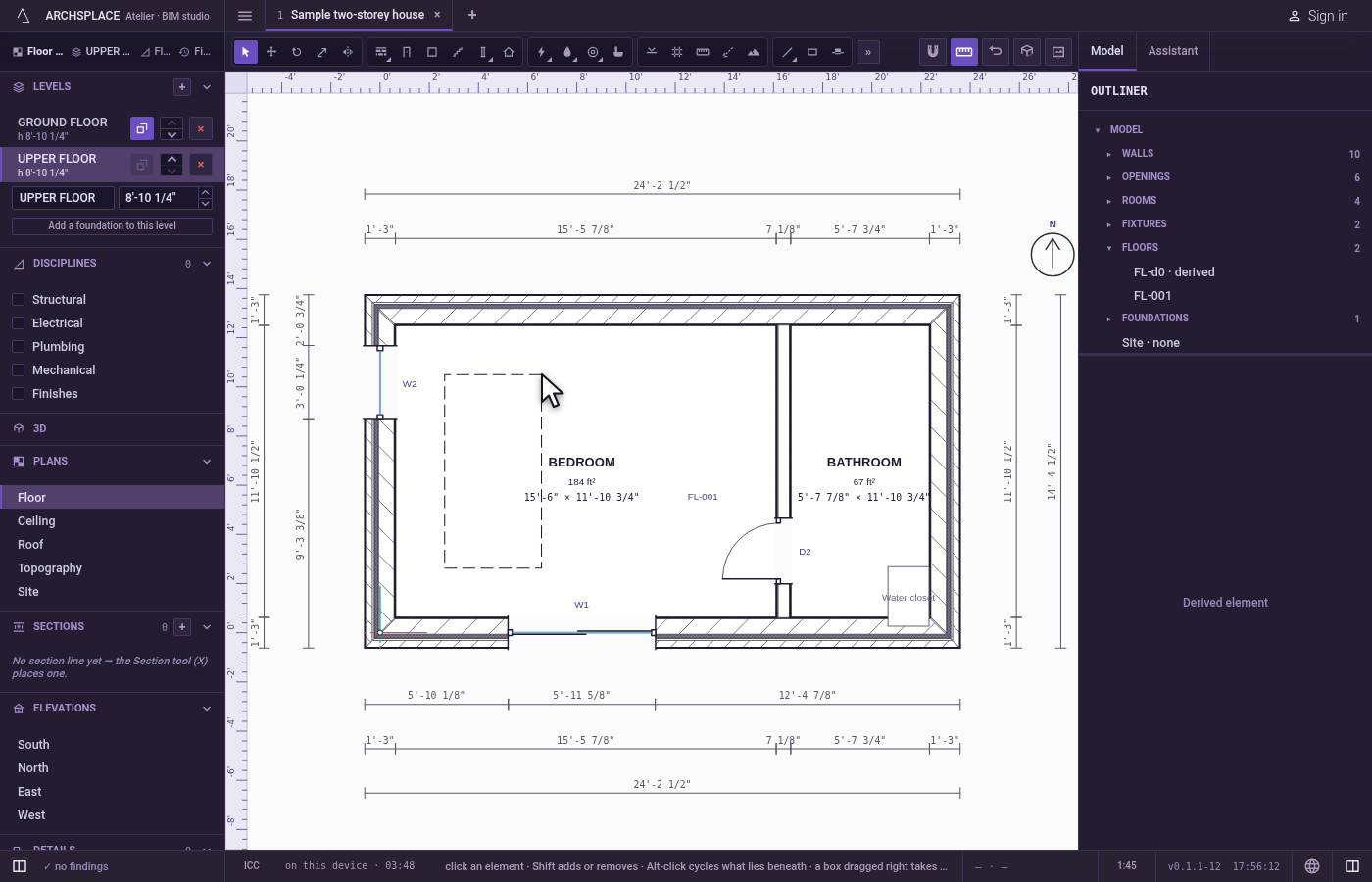
Or, round: click the center, then the edge. The label beside the cursor asks for the center. Then a circle follows the cursor, its radius written beside it; click to cut it.
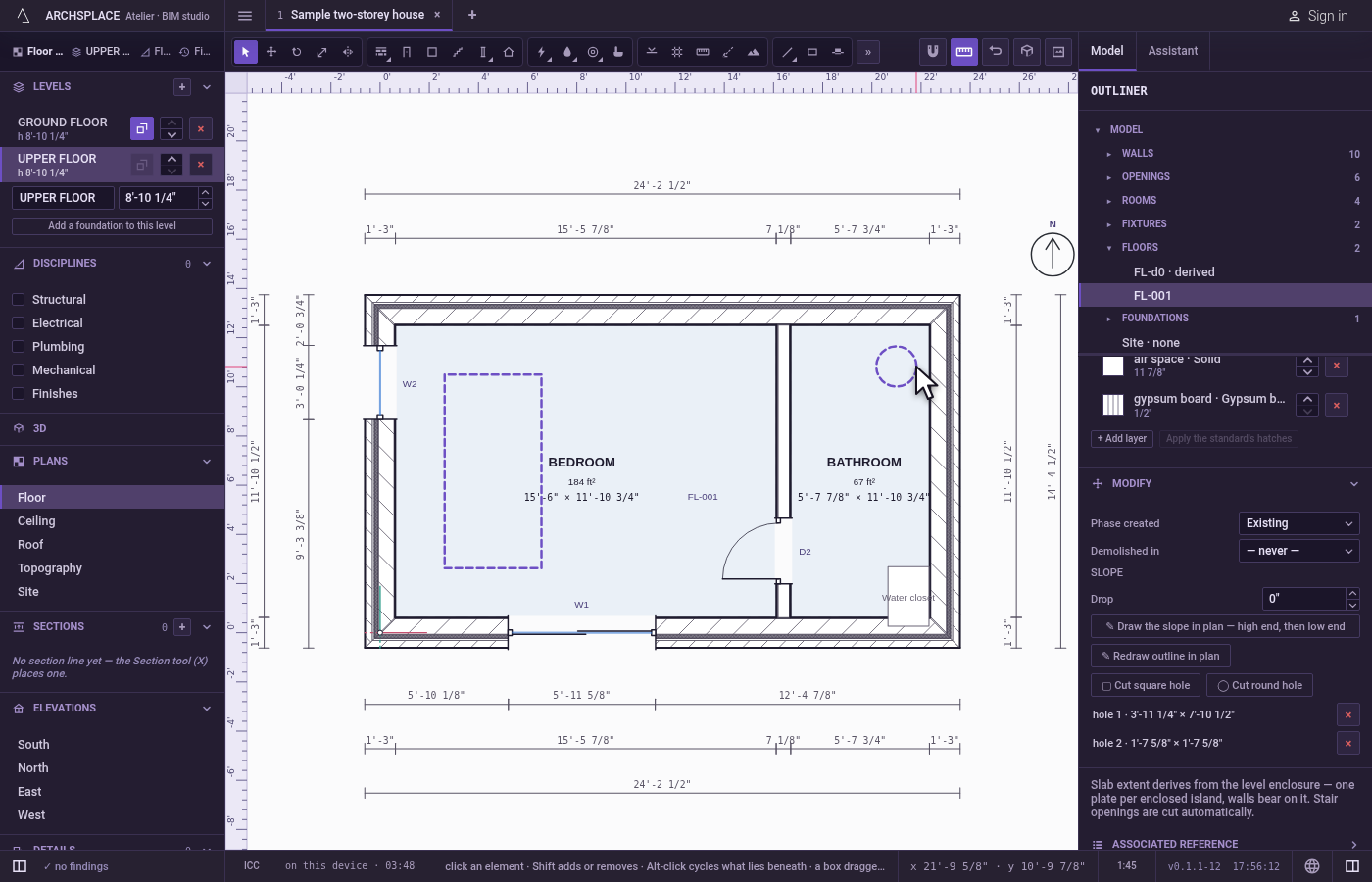
Read it in the panel. Each hole is listed in the slab's panel with its size, and Remove hole takes one away.
What it refuses
- A hole under 5 cm. A hole narrower than 5 cm in either direction, or of a radius under 5 cm, is refused with a message to drag at least 5 cm across.
- Esc in the middle. Esc drops the hole in progress; nothing is cut.
What it writes to the contract
One step, which one undo takes back: the level's floor gets one more opening, a list of corner points to the millimeter. A round hole is written as a 24-sided polygon. If the level's slab had no entry of its own yet, it gets one, keeping the slab type it had.
Concepts
Common questions
Do I need to cut a hole for my stair?
No. The opening a stair needs in the floor above is cut by itself. A slab hole is for what a stair does not make, such as a shaft or a double height.
Can pipes or ducts run through a slab hole?
Only a riser or a drain stack you stand in it goes through. The studio never lays a generated run through a hole, and a light or a grille hung under one is flagged.