3DSPin the studio
Sphere
The Sphere tool makes a solid sphere in the 3D view from two inputs: its center, then its radius, clicked or typed. The sphere is placed as a new component, so a single click later takes it whole.
What it is
The Sphere tool makes a solid ball. You give it a center and a radius; the studio builds a closed sphere of 32 steps around, its surface marked smooth so it reads as one round surface and never shows its facets.
The sphere lands as a new component, named Sphere with a number, holding that one body and placed where you drew it. A click takes it whole; a double click opens it if you want to work on its shape.
When to use it
- To model a ball, a globe light, a dome to cut with Boolean, or any round object.
- To make a round cutter: place a sphere where it overlaps a body, then use Boolean to carve the hollow.
The steps
Take the tool. Type
SthenP, the two letters within a short moment, or click Sphere among the shapes.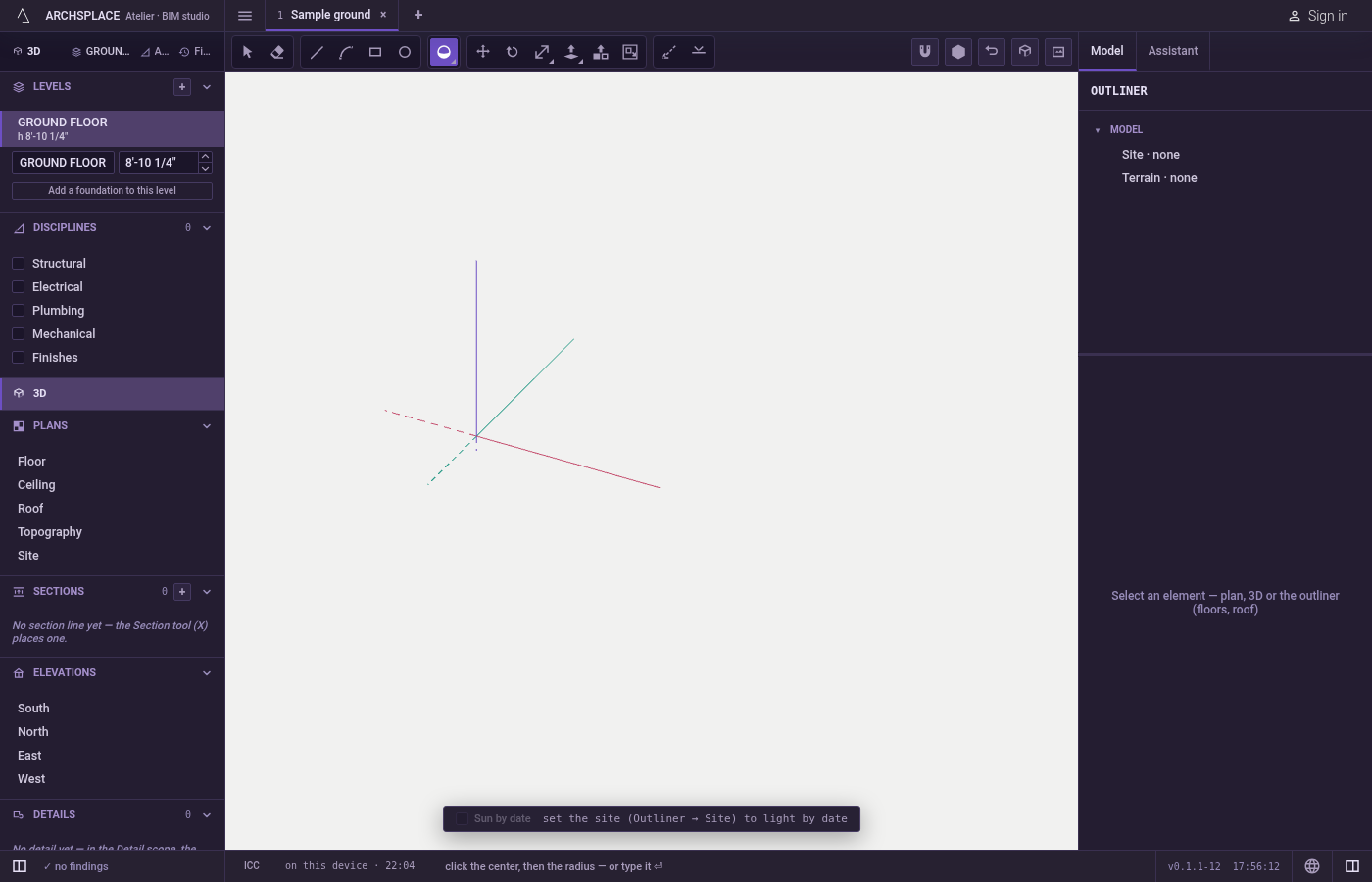
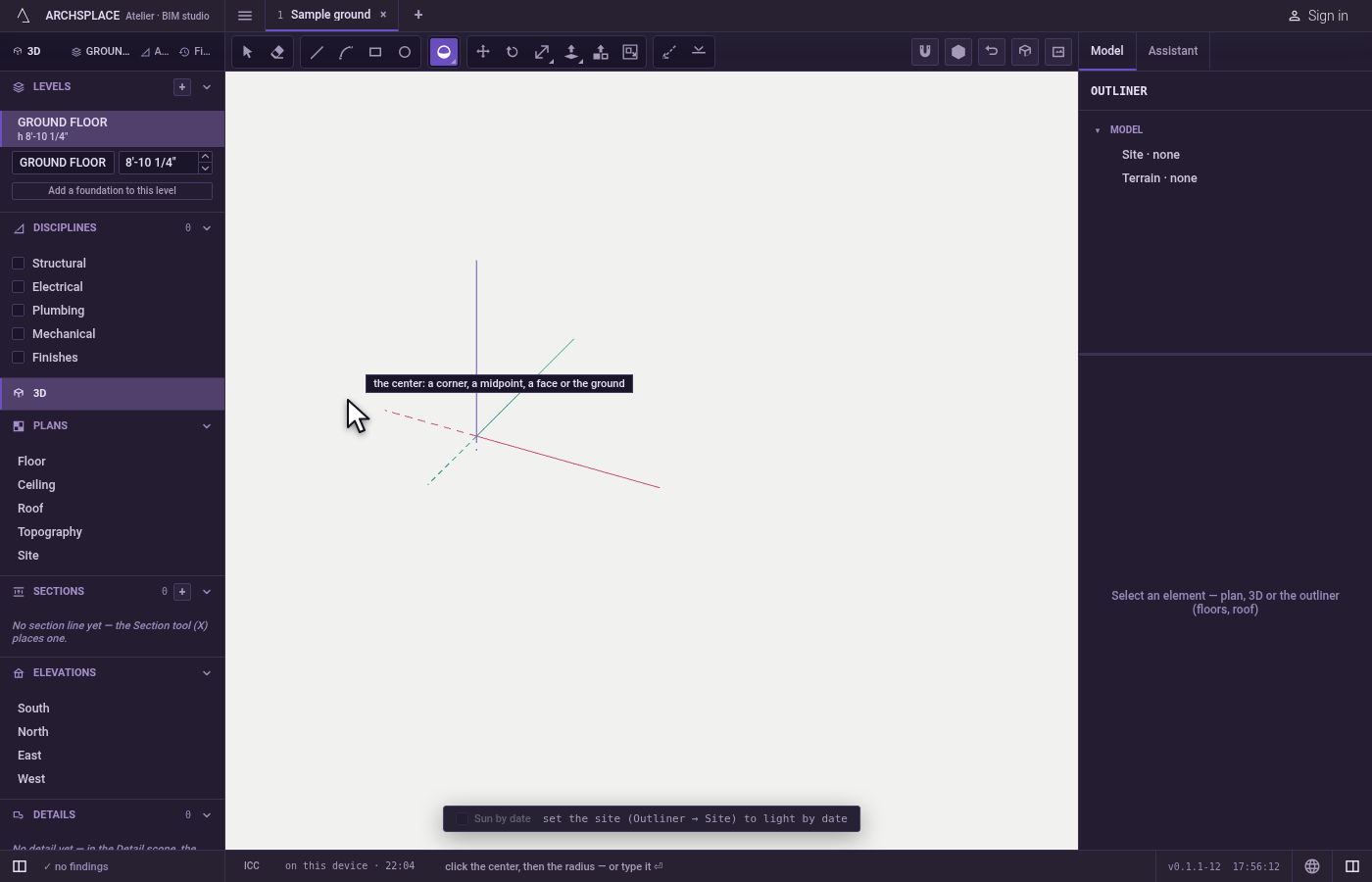
Click the center. The marker shows what the click takes: a corner, a midpoint, a face, or the ground when nothing stands under the pointer. The hint reads the center.
Set the radius. Move away from the center: the radius is read on the level plane through the center, the ghost of the sphere grows, and the readout gives the radius. Click, or type the radius and press
Enter. A corner or an edge in reach gives its distance.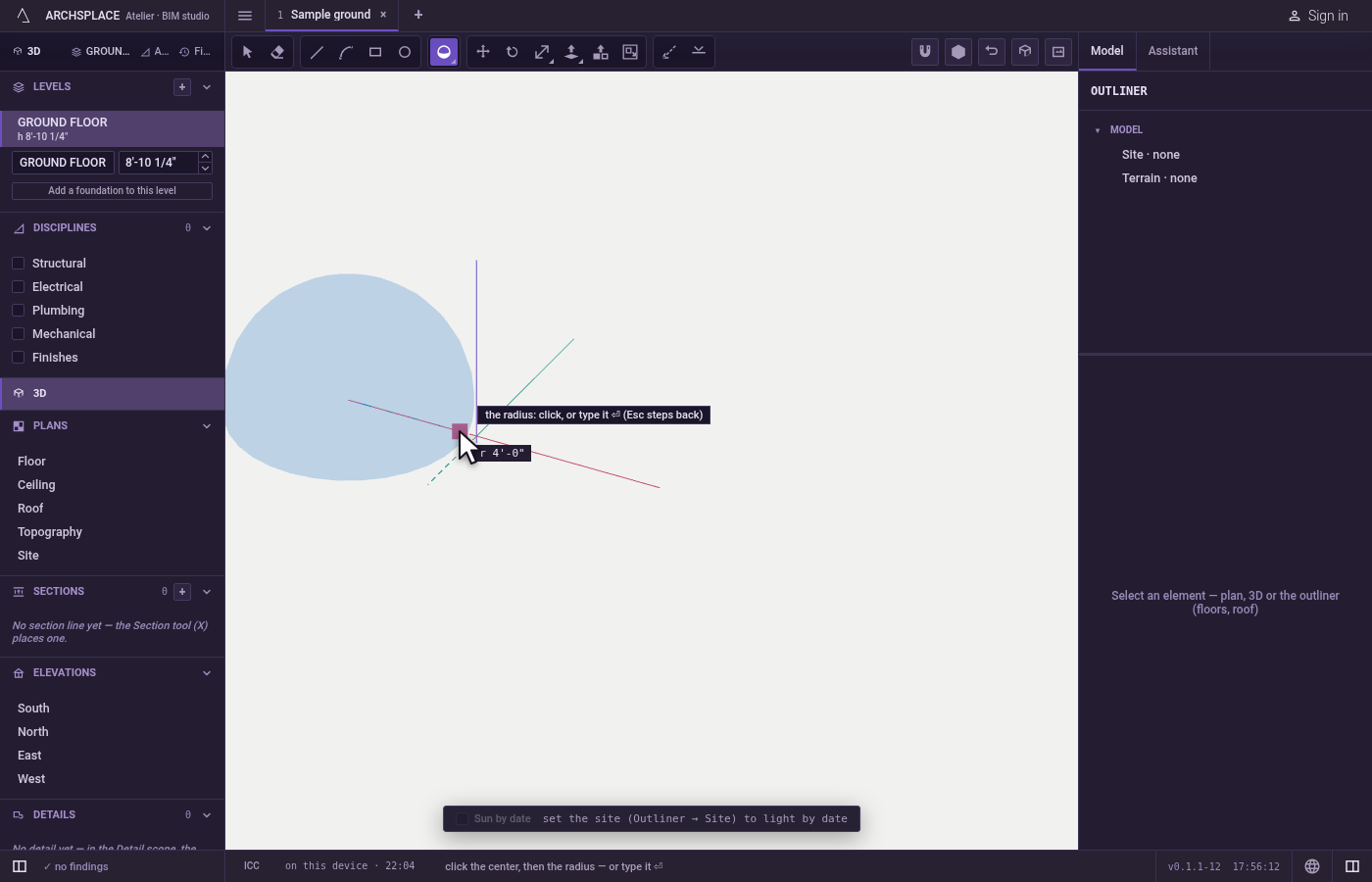
Step back if needed.
Escapebefore the radius goes back to choosing the center. The space bar returns to Select.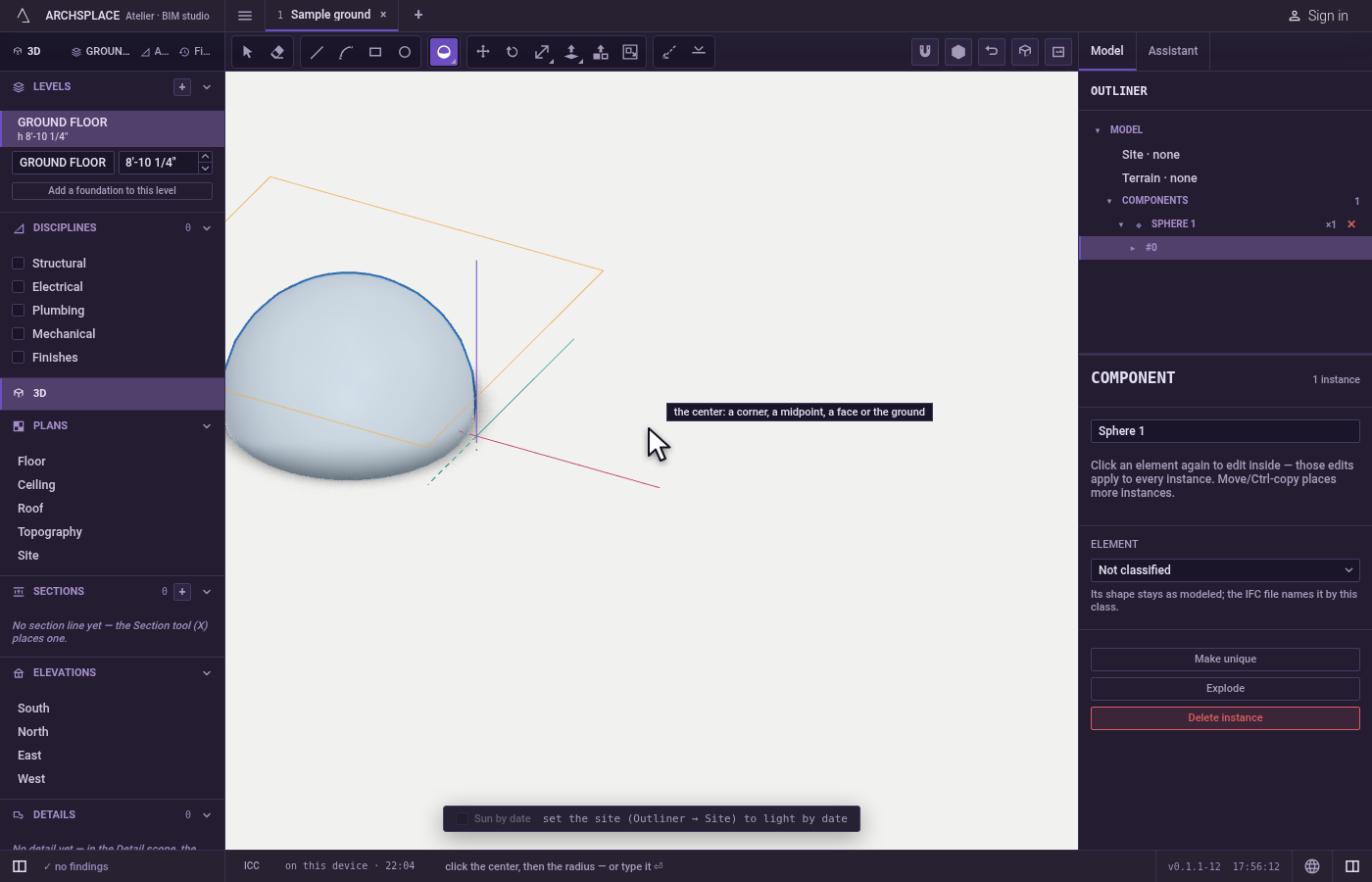
What it refuses
- A radius of nothing. A sphere needs a radius; a zero is ignored and the tool waits.
- A center on nothing. A click that finds no point says the center: a corner, a midpoint, a face or the ground.
What it writes to the contract
One undoable step adds a new component definition holding the sphere's body, and a placement of it at the center, on the current level. Inside an open component, the new component is placed inside that one. The new placement is selected.
Common questions
What is the shortcut of the Sphere tool?
Type S then P, the two letters within a short moment. The tool opens on the second letter.
Why is my sphere a component?
Every sphere, cylinder and cone lands as a component of its own, holding one solid body, so a click takes it whole and its surface is never picked facet by facet. Double-click it to work inside, or explode it to make it loose.
Where does the center of the sphere sit?
Exactly where you click: a corner, the middle of an edge, a point on a face, or the ground. A sphere centered on the ground stands half below it.